목차

DeepSeek V4 API pricing depends on more than the lowest token rate. The real cost comes from the model version, input tokens, cached input, output length, and repeated context. For chatbots, coding agents, retrieval-augmented generation systems, and long-context workflows, the key choice is usually between DeepSeek-V4-Pro and DeepSeek-V4-Flash. This article explains their pricing, model IDs, context window, cost examples, and provider comparison points.
DeepSeek V4 Pro vs DeepSeek V4 Flash
DeepSeek V4 series is available in two strong models: DeepSeek-V4-Pro and DeepSeek-V4-Flash. Both are Mixture-of-Experts (MoE) models, meaning each request activates only part of the full parameter set. This design helps balance model capability, inference efficiency, and serving cost.
Because DeepSeek V4 is introduced as a preview release, teams should test both versions with real prompts, real context, and real success criteria before using them in production routing.
DeepSeek-V4-Pro is built for higher-complexity workloads. With 1.6T total parameters and 49B activated parameters, it is better suited for deeper reasoning, coding tasks, multi-step planning, and agent workflows where answer quality has direct business value.
DeepSeek-V4-Flash focuses on efficiency and scale. With 284B total parameters and 13B activated parameters, it is designed for faster, lower-cost, high-throughput use cases where each request does not need the strongest reasoning path.
For production teams, the model choice should start with task value. Simple, repetitive, and high-volume requests often fit Flash better. Difficult reasoning, code debugging, complex instruction following, or multi-step agent work may justify testing Pro.
A practical rule is simple: use Flash for scale, and test Pro where answer quality has direct business value.
DeepSeek V4 Model IDs on SiliconFlow
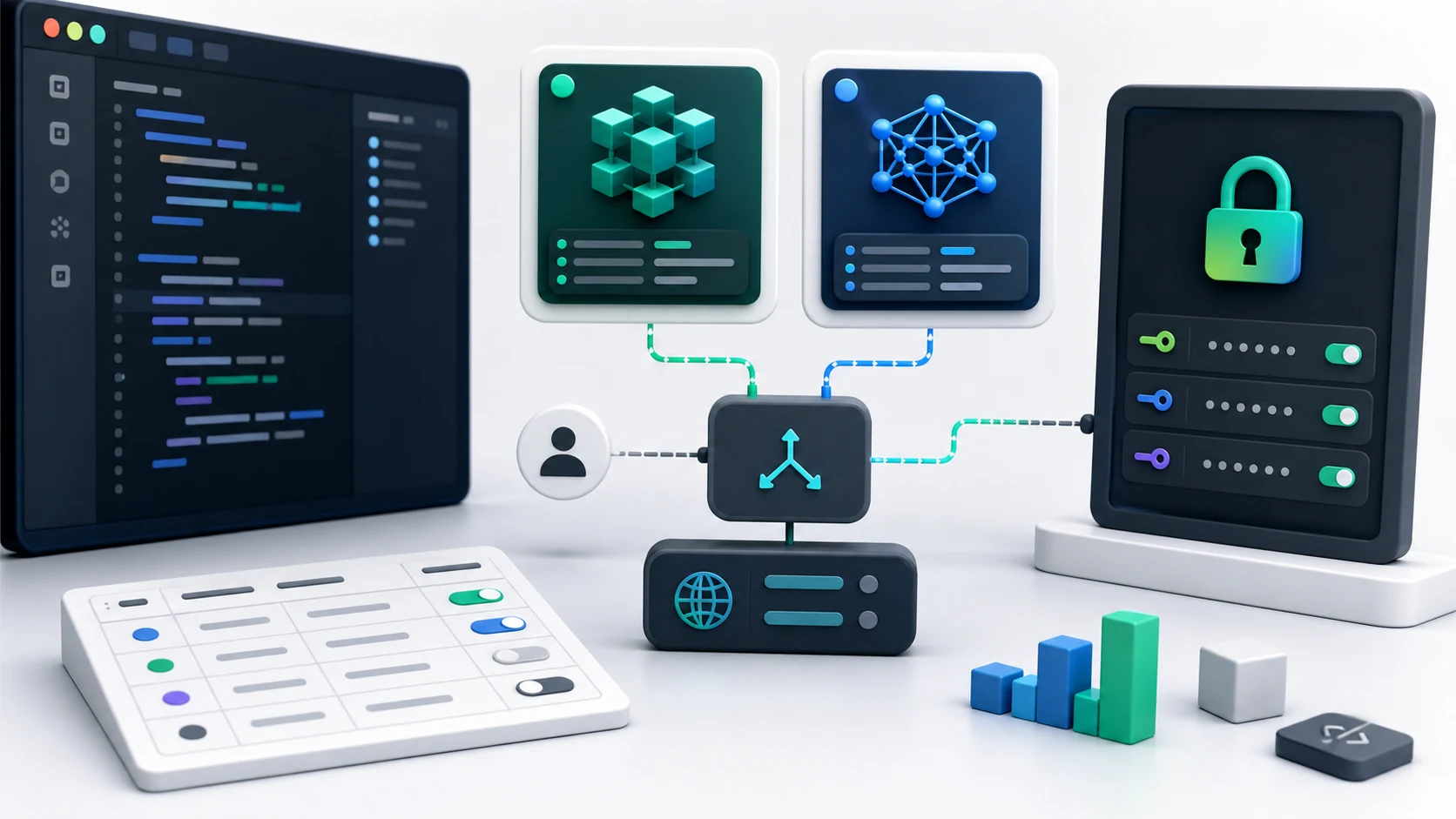
Model IDs matter because API calls need exact model names. Using the exact model ID ensures that each API request is routed to the intended DeepSeek V4 variant rather than a similarly named model or an earlier DeepSeek release.
The DeepSeek V4 model IDs are:
Model | Model ID |
|---|---|
DeepSeek-V4-Pro | deepseek-ai/DeepSeek-V4-Pro |
DeepSeek-V4-Flash | deepseek-ai/DeepSeek-V4-Flash |
When integrating with an OpenAI-compatible client, the model ID should be placed in the model field of the chat completion request. Teams should also keep model IDs centralized in configuration files or environment variables instead of hardcoding them across multiple services.
This makes future testing easier. For example, an application can route standard user conversations to Flash and route complex code review or long-form reasoning tasks to Pro without rewriting the whole API layer.
Input, Output, Cache Read, and Context Window on SiliconFlow
On SiliconFlow, DeepSeek V4 API usage is priced across three token categories: input tokens, cached input tokens, and output tokens. The context window and token rates below reflect the current DeepSeek-V4-Pro and DeepSeek-V4-Flash configurations available through SiliconFlow.
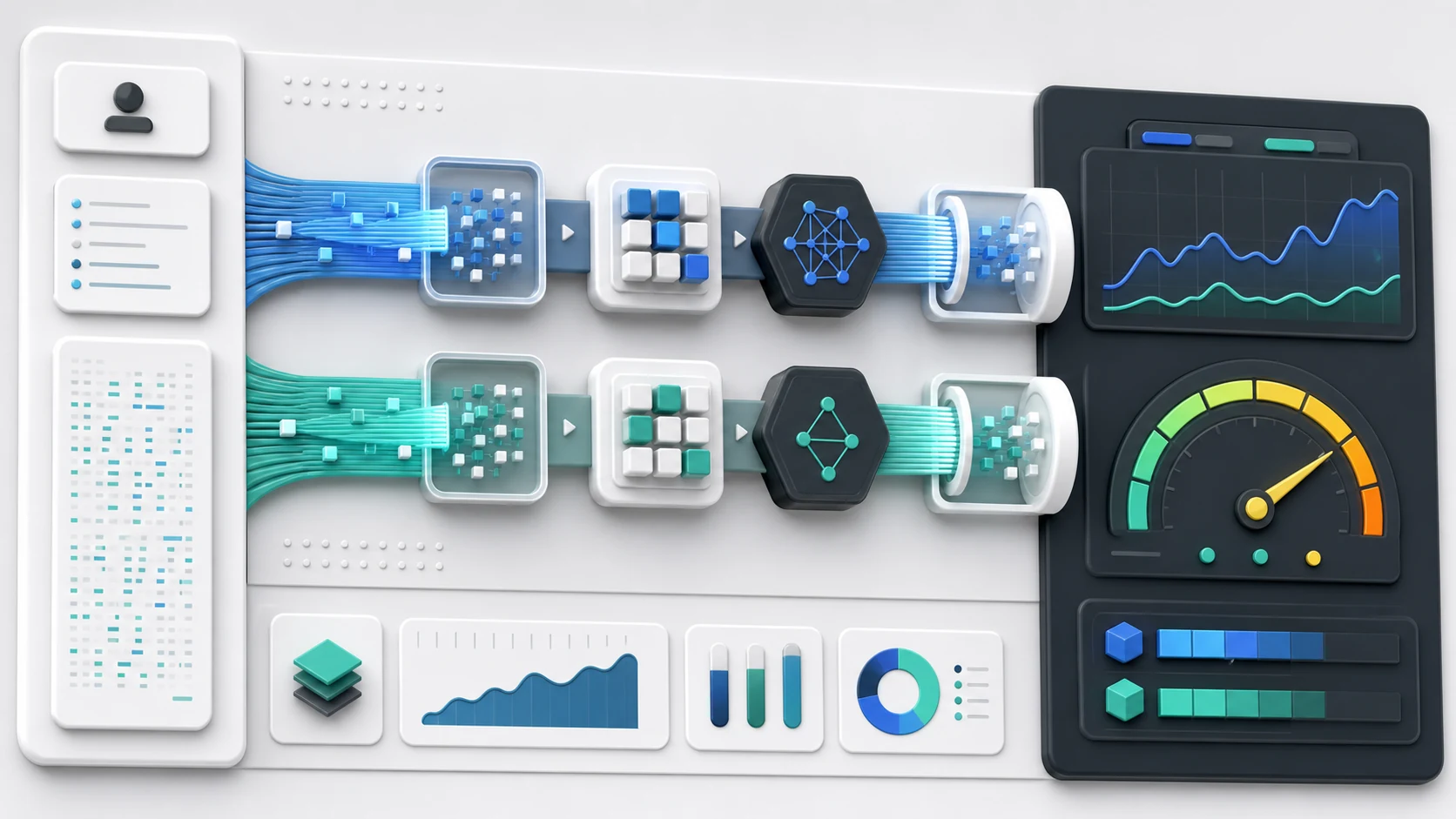
Input tokens are the new tokens sent into the model. They include user messages, system prompts, retrieved documents, tool results, and conversation history that is not read from cache.
Cached input tokens are repeated input tokens that can be read from cache. Cache pricing matters when an application reuses large prompts, policy instructions, documents, product catalogs, codebase context, or long agent memory across multiple requests.
Output tokens are the tokens generated by the model. Output cost can become a major factor in applications that produce long answers, structured reports, code files, summaries, or multi-step responses.
Model | Context Window | Input / 1M Tokens | Cached Input / 1M Tokens | Output / 1M Tokens |
|---|---|---|---|---|
DeepSeek-V4-Pro | 1049K | $1.60 | $0.135 | $3.135 |
DeepSeek-V4-Flash | 1049K | $0.13 | $0.028 | $0.28 |
Price Note: Prices are based on the current pricing structure at the time of writing and may change over time. Before production deployment, teams should always confirm the latest pricing, model availability, and usage rules.
The context window is also important. A 1049K context window means the model can work with roughly one million tokens in a single request. This is useful for long documents, large code repositories, multi-file analysis, legal or financial records, research collections, and agent memory.
However, a large context window should not be treated as free capacity. Long-context calls can become expensive if every request sends a large amount of new input. To control cost, teams should use retrieval, chunking, prompt compression, and cache-friendly prompt design.
The basic cost formula is:
Estimated cost = input tokens / 1,000,000 × input price + cached input tokens / 1,000,000 × cached input price + output tokens / 1,000,000 × output price
This formula makes DeepSeek V4 API pricing easier to estimate before moving a workload into production.
DeepSeek V4 API Cost Examples for Three Common Use Cases
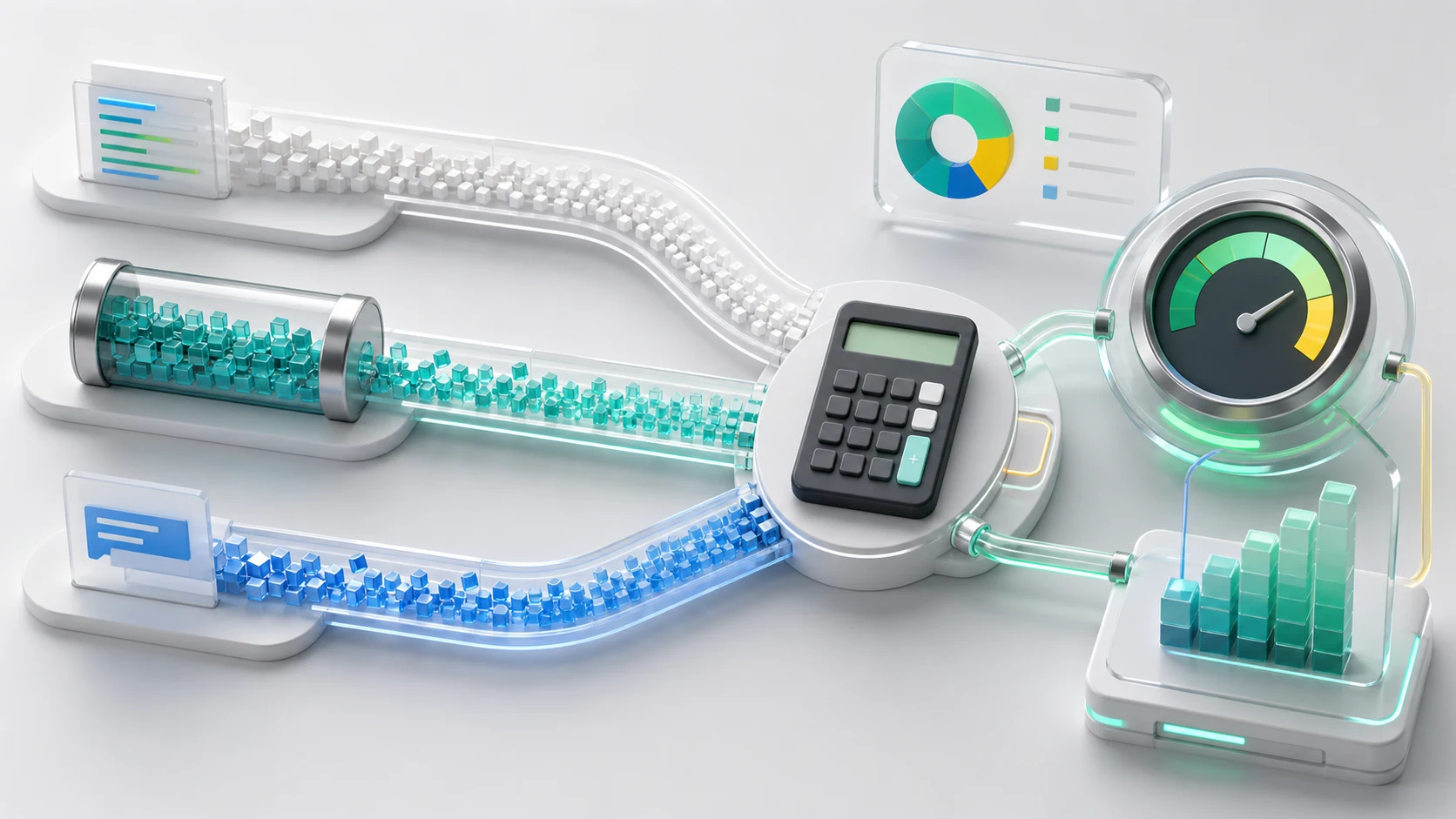
Based on the current SiliconFlow token rates, the following examples estimate DeepSeek V4 API costs for three common use cases. The calculations show how input, cached input, and output tokens affect the total cost.
All token figures below represent cumulative usage across multiple API requests, not a single request.
Example 1: Lightweight Chatbot
Assume a customer support chatbot uses:
1M input tokens
0 cached input tokens
0.5M output tokens
Model | Calculation | Estimated Cost |
|---|---|---|
DeepSeek-V4-Flash | 1 × $0.13 + 0.5 × $0.28 | $0.27 |
DeepSeek-V4-Pro | 1 × $1.60 + 0.5 × $3.135 | $3.1675 |
For this type of workload, Flash has a strong cost advantage. Customer support bots, internal help desks, onboarding assistants, and simple FAQ agents often handle many short or medium-length requests. If the task does not require advanced reasoning on every turn, Flash is usually the more efficient default.
Example 2: Long-Context RAG Workflow
Assume a retrieval-augmented generation system uses:
2M new input tokens
8M cached input tokens
1M output tokens
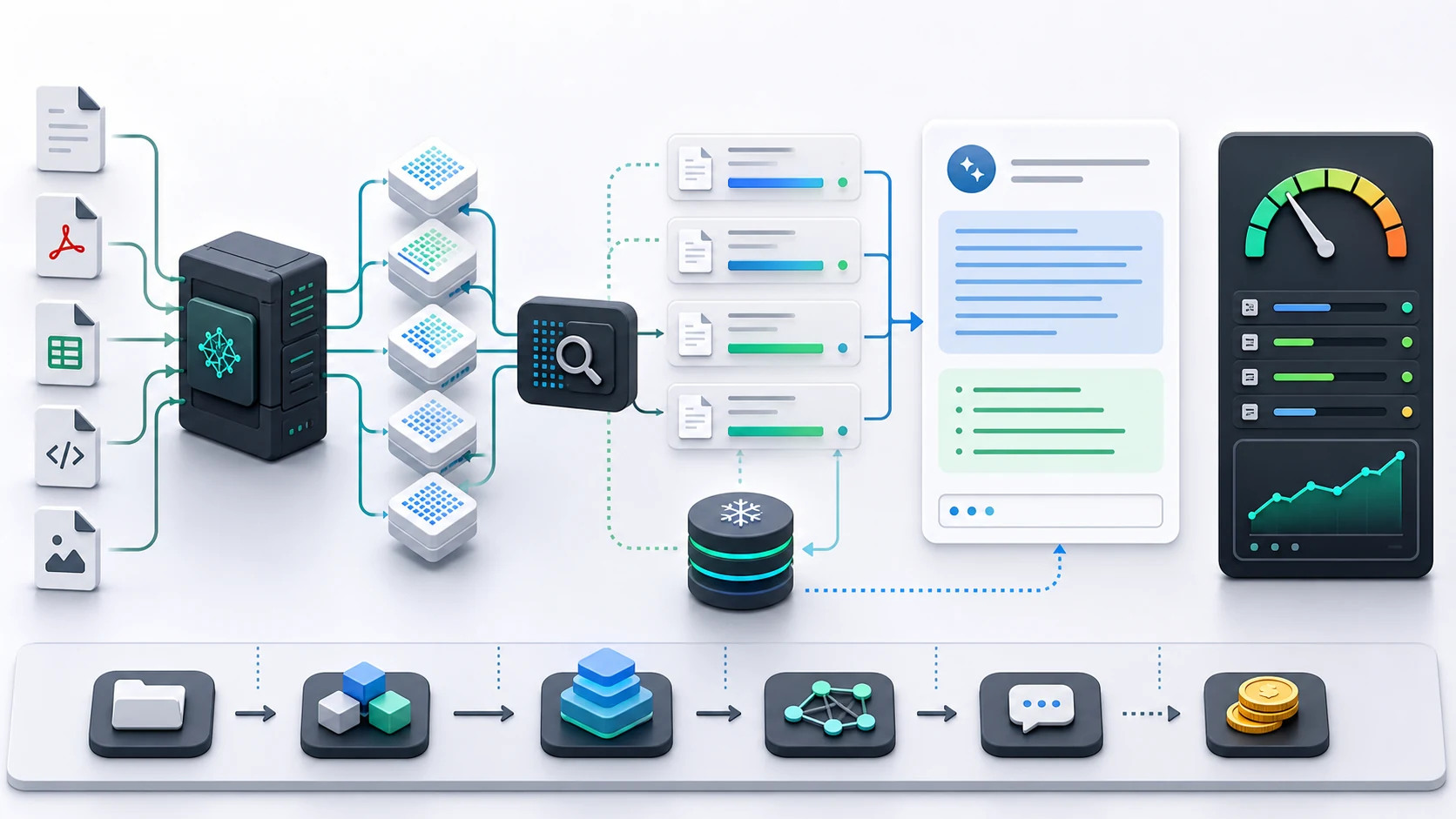
Retrieval-augmented generation, or RAG, is a method that retrieves relevant external information before generating an answer. It is commonly used for knowledge bases, document assistants, and enterprise search systems.
Model | Calculation | Estimated Cost |
|---|---|---|
DeepSeek-V4-Flash | 2 × $0.13 + 8 × $0.028 + 1 × $0.28 | $0.764 |
DeepSeek-V4-Pro | 2 × $1.60 + 8 × $0.135 + 1 × $3.135 | $7.415 |
This example shows why cached input pricing matters. Many RAG systems reuse the same system prompt, instructions, schema definitions, and document context. If the workload is designed to benefit from cache reads, total cost can drop significantly.
Flash remains more economical here, but Pro may still be tested for higher-value knowledge tasks. For example, Pro may be useful when the system must compare many documents, identify contradictions, reason across long evidence chains, or produce highly structured professional outputs.
Example 3: Coding Agent Workload
Assume a coding agent uses:
5M new input tokens
20M cached input tokens
5M output tokens
A coding agent is an AI workflow that can read code, inspect files, reason through tasks, and generate or revise code with multiple steps.
Model | Calculation | Estimated Cost |
|---|---|---|
DeepSeek-V4-Flash | 5 × $0.13 + 20 × $0.028 + 5 × $0.28 | $2.61 |
DeepSeek-V4-Pro | 5 × $1.60 + 20 × $0.135 + 5 × $3.135 | $26.375 |
Coding agents can generate heavy token usage because they read files, inspect logs, call tools, revise code, and produce long outputs. For basic code explanation, formatting, test generation, or simple refactoring, Flash can be a cost-effective choice.
Pro is still worth testing when the task requires architecture reasoning, multi-file debugging, complex migration planning, or high-stakes production code review. In these cases, the right question is not only “Which model is cheaper?” but also “Which model reduces failed attempts, repeated calls, and human review time?”
Where Flash Has the Strongest Cost Advantage
DeepSeek-V4-Flash has the strongest cost advantage when workloads are frequent, predictable, and not heavily dependent on peak reasoning quality.
Common examples include:
High-volume chatbot responses
Simple customer support routing
Internal knowledge base Q&A
Short summarization tasks
Product description generation
Classification and tagging
Routine data extraction
Lightweight agent actions
First-pass content drafts
Standard RAG responses
Flash is also a strong candidate when output volume is high. Since output tokens are often more expensive than input tokens, the lower output price can make a large difference in applications that generate long answers.
Flash should often be the first model tested for production scaling. If quality is sufficient, it can reduce cost without forcing teams to redesign the application. If quality is not enough for certain tasks, routing those tasks to Pro can create a balanced model strategy.
A smart deployment pattern is not “Flash or Pro forever.” It is model routing. Use Flash for the majority of standard requests, and reserve Pro for complex or high-value cases.
When Pro Is Still Worth Considering
DeepSeek-V4-Pro is more expensive, but price alone does not decide model value. Pro is worth considering when task failure is more costly than token usage.
Typical Pro use cases include:
Complex reasoning
Advanced coding
Agentic workflows
Multi-step tool use
Long-context document analysis
Technical report generation
Legal, financial, or compliance-heavy review
High-value enterprise automation
Difficult instruction following
Codebase-level analysis
Pro can also reduce hidden costs. A cheaper model may require more retries, more prompt engineering, more fallback logic, or more human correction. If Pro produces a correct answer in fewer attempts, the total workflow cost may be more competitive than the token price suggests.
For developers comparing DeepSeek V4 API pricing, the best approach is to run a controlled evaluation using the same prompts, documents, expected outputs, and success criteria for both models.
DeepSeek-V4-Pro and DeepSeek-V4-Flash can be tested in the SiliconFlow playground before being evaluated through the OpenAI-compatible API. Track output quality, latency, token usage, retry frequency, and the total cost of completing each task successfully.
The results can then guide model routing. Standard, high-volume requests may be assigned to Flash, while complex reasoning, coding, and agent workflows that involve repeated tool calls and long context can be routed to Pro when stronger planning reduces retries and unnecessary steps.
Test both models in the SiliconFlow playground, then move the selected setup into your API workflow.
SiliconFlow vs Other API Providers: What to Check
Token price is only one part of a DeepSeek V4 provider comparison. Teams should also consider how easily they can test both models, integrate them into an existing application, manage long-context costs, and scale the workload after deployment.
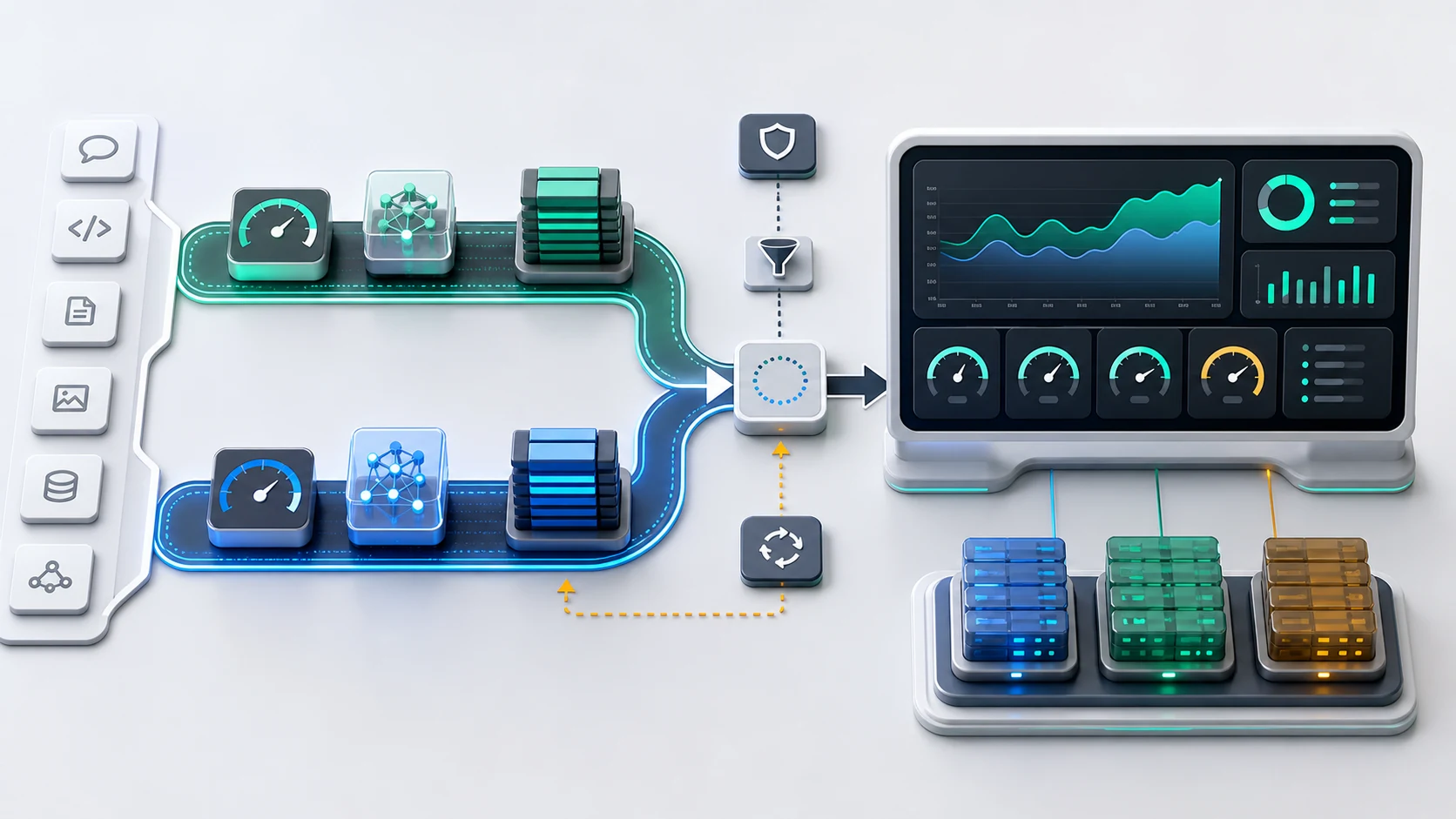
Test Pro and Flash Under One Setup
DeepSeek-V4-Pro and DeepSeek-V4-Flash are both available through SiliconFlow. Developers can compare them in the playground using the same prompts and then call the selected model through the same API environment.
Keeping both models under one setup makes controlled testing and model routing easier. Standard requests can be assigned to Flash, while difficult reasoning, coding, or agent tasks can be tested with Pro without rebuilding the integration.
Use an OpenAI-Compatible API
SiliconFlow provides an OpenAI-compatible API endpoint, allowing developers to use familiar SDK patterns and chat completion request structures. Existing applications and developer tools that support custom OpenAI-compatible providers can usually be connected by changing the API key, base URL, and model ID.
This reduces the work required to test DeepSeek V4 in tools and applications already built around OpenAI-style interfaces.
Compare Input, Cache Read, and Output Costs
DeepSeek V4 pricing on SiliconFlow separates input, cached input, and output tokens. This makes it possible to estimate costs based on the actual token mix of a chatbot, RAG system, or coding agent rather than relying on one headline rate.
Both DeepSeek V4 models are currently available with a 1049K context window, while cache-read pricing can lower the cost of repeatedly reused prompts, instructions, documents, or code context.
Start With Serverless Access and Test at Real Usage Levels
The serverless API allows developers to call DeepSeek V4 without setting up or managing GPU infrastructure. Usage is billed by tokens, which is practical for initial testing, variable traffic, and applications that have not yet reached predictable demand.
Before selecting a provider, teams should still test latency, output quality, throughput, retry behavior, and cost with their own prompts. Published model specifications cannot fully represent the performance of a real application.
Review Deployment Options Beyond Initial API Testing
Production requirements may change as usage grows. In addition to serverless access, SiliconFlow provides deployment options that include dedicated endpoints and reserved GPU capacity.
This gives teams a path from pay-per-use API testing to infrastructure with more predictable capacity when workload volume, performance requirements, or enterprise deployment needs increase.
Common Questions About DeepSeek V4 API Pricing: Pro vs Flash, Context Window, and Cost Examples
Q1. Is DeepSeek-V4-Flash Always the Better Choice?
No. Flash is usually better for high-volume, cost-sensitive, and routine tasks. Pro is still worth testing for advanced reasoning, coding, long-context analysis, and agent workflows where answer quality affects business outcomes.
Q2. How Does Cached Input Affect DeepSeek V4 API Pricing?
Cached input can reduce cost when the same prompt, document, instruction set, or context is reused across requests. This is especially useful for RAG systems, coding agents, and enterprise assistants that repeatedly reference the same background information.
Q3. Why Does Output Pricing Matter So Much?
Output tokens can become a major cost driver because many AI applications generate long responses. Reports, code files, summaries, and multi-step answers can produce large output volumes. When estimating DeepSeek V4 API pricing, output length should always be included.
Q4. How Should Developers Choose Between Pro and Flash?
Start by testing Flash for standard requests, then test Pro on difficult prompts where quality matters more than token price. Compare cost per successful task, not only cost per million tokens. A hybrid routing strategy often gives the best balance between cost and capability.
Build a Cost-Aware DeepSeek V4 API Workflow
DeepSeek V4 API pricing becomes much easier to manage when teams understand the full token mix behind each workload. Flash provides strong cost efficiency for routine, high-volume, and output-heavy applications. Pro is better suited for complex reasoning, coding, long-context work, and higher-value agent tasks.
The best model choice is not always the cheapest model or the strongest model. It is the model that delivers the required result at the lowest total workflow cost.
Start by testing DeepSeek-V4-Flash for standard requests, then route complex reasoning, coding, and long-context tasks to DeepSeek-V4-Pro. With SiliconFlow’s OpenAI-compatible API, teams can evaluate both models under one integration workflow and build a cost-aware production setup.