목차

Claude Code has become a leading example of agentic coding. It works from the terminal, understands codebases, edits files, runs commands, and helps developers complete coding tasks through natural language. Still, not every team needs the same workflow. A strong Claude Code alternative may be a CLI agent, an IDE-based assistant, an open-source framework, or an API-based setup that connects coding tools to flexible model providers.
Claude Code Alternatives at a Glance
Claude Code alternatives are not all the same type of tool. Some replace the terminal experience. Some work inside an editor. Some focus on GitHub issues and pull requests. Others give teams more control over model access, inference infrastructure, and deployment flexibility.
Tool or Platform | Main Category | Best For | Key Strength |
|---|---|---|---|
CLI coding agent | Terminal-first developers using OpenAI models | Local coding workflow from the command line | |
CLI coding agent | Developers using Gemini and Google developer tools | Open-source terminal agent with tool-use support | |
Terminal pair programmer | Developers who want Git-based code editing | Repository-aware editing and OpenAI-compatible API support | |
Open-source coding agent | Teams that want provider flexibility | Open-source workflow with broad model choice | |
AI-native IDE | Developers who prefer an editor-first experience | Agentic coding inside the development environment | |
Open-source agent runtime | Teams that need IDE, terminal, and provider flexibility | OpenAI-compatible provider support and agentic actions | |
GitHub-native coding workflow | Teams working through GitHub issues and PRs | Repository tasks inside GitHub workflows | |
IDE and agent workspace | Teams managing local and cloud agents | Agent command center based on the Windsurf IDE foundation | |
Open-source / self-hosted agent platform | Teams building controlled software engineering agents | Self-hosted agent workflows and automation | |
API and model infrastructure | Teams using coding agents with custom model providers | OpenAI-compatible API access and scalable inference infrastructure |
The key point is that a Claude Code alternative does not always need to look like Claude Code. For some teams, the best fit is another terminal agent. For others, it is an IDE assistant, an open-source coding agent, or a flexible model API layer behind the coding workflow.
How We Compared the Tools
AI coding tools should be compared by how well they fit real development workflows, not only by interface or popularity.
Interface: Terminal, IDE, browser, desktop app, GitHub workflow, or multi-surface access.
Codebase awareness: Ability to read relevant files, understand project structure, follow dependencies, and update multiple files.
Action capability: Support for editing files, running tests, executing shell commands, checking errors, and iterating on results.
Human control: Clear review points for plans, commands, diffs, commits, and final changes.
Model flexibility: Support for different models, custom providers, or provider-specific model families.
OpenAI-compatible API support: Ability to connect through a custom base URL, API key, and model ID.
Open-source and self-hosting options: Room for inspection, customization, controlled deployment, or internal infrastructure use.
Production fit: Cost control, team workflows, security review, usage monitoring, and integration with existing development tools.
These criteria matter because AI coding is no longer just autocomplete. Modern coding agents can plan, modify, test, and automate parts of software engineering. That makes model choice, infrastructure, governance, and review process just as important as the user interface.
CLI and Terminal-Based Alternatives
Terminal-based tools are the closest alternatives to Claude Code. They fit developers who already spend much of their time in the command line and want AI assistance without switching to a separate editor.
OpenAI Codex CLI
OpenAI Codex CLI is a coding agent that runs from the terminal. It is a natural option for developers who want an OpenAI-powered workflow for code changes, debugging, and repository tasks.
Its main advantage is familiarity for teams already using OpenAI models or ChatGPT-related development workflows. Developers can use it as a local coding agent while keeping their existing command-line habits.
Codex CLI is a strong Claude Code alternative when the team wants:
A terminal-first coding agent
OpenAI model integration
Local development workflow
Natural language code editing
A tool that fits existing command-line use
It is less suitable for teams whose main priority is provider independence or open-source customization. In those cases, Aider, OpenCode, or Cline may offer more flexibility.
Gemini CLI
Gemini CLI brings Gemini into the terminal as an open-source AI agent. It is designed for developers who want to query code, debug issues, build features, and automate tasks from the command line.
Its workflow supports reasoning, tool use, and iteration. This makes it useful for developers who want a lightweight terminal agent connected to the Gemini ecosystem.
Gemini CLI may fit teams that:
Already use Gemini or Google developer tools
Prefer terminal-based workflows
Want an open-source command-line agent
Need tool-use support
Want to test another model ecosystem for coding tasks
For teams evaluating a Claude Code alternative, Gemini CLI is especially relevant when the decision includes both interface preference and model ecosystem.
Aider
Aider is an AI pair programming tool for the terminal. It is especially useful for developers who want to edit an existing repository through natural language while keeping Git at the center of the workflow.
Aider can work with a codebase, edit files, and create commits. It is also relevant for teams that care about provider flexibility because it can connect to OpenAI-compatible API endpoints.
Aider is a good fit when developers want:
Terminal-based pair programming
Git-aware code changes
Repository editing without switching editors
Support for multiple models and providers
A lightweight setup for custom API endpoints
This makes Aider useful not only as a Claude Code alternative, but also as a flexible interface for API-based coding workflows. Teams can keep the terminal experience while changing the model provider behind it.
OpenCode
OpenCode is an open-source AI coding agent designed for developers who want a more flexible coding workflow rather than a single-vendor experience.
Its main appeal is provider choice. Developers can connect different models and use the coding agent in a more customizable setup. This matters when a team wants to compare models, control cost, or avoid being locked into one provider.
OpenCode is a strong option for:
Developers who prefer open-source tools
Teams that want model-provider flexibility
Terminal-first coding workflows
Local or customized AI coding setups
Testing different models for different coding tasks
For teams looking beyond Claude Code, OpenCode reflects an important direction in AI coding: the coding interface and the model provider do not have to come from the same vendor.
IDE-Based Alternatives
IDE-based alternatives are better for developers who want AI assistance directly inside their editor. These tools usually feel more visual than terminal agents. They make it easier to review diffs, inspect files, move across code, and keep the developer in control.
Cursor
Cursor is an AI-native development environment built around an editor-first experience. It is a good fit for developers who want AI planning, code edits, codebase understanding, and review inside the editor.
Compared with terminal tools, Cursor may feel more approachable for teams that want visual context. Developers can work with files, prompts, diffs, and agent output without leaving the coding environment.
Cursor works well for:
Editor-first developers
Product engineers building features quickly
Codebase Q&A and multi-file edits
AI-assisted refactoring
Teams that want an AI-native development environment
The trade-off is that Cursor is closer to a complete coding environment than a small terminal tool. Teams that prefer minimal tooling or deeper provider control may still want to compare it with Cline, Aider, or OpenCode.
Cline
Cline is an open-source coding agent runtime that can work across editor, terminal, and SDK-based workflows. It is one of the most relevant Claude Code alternatives for teams that care about both agentic coding and provider flexibility.
Cline can read files, edit code, run commands, and use external tools. It also supports custom providers through OpenAI-compatible configuration, which makes it useful for teams that want to connect their coding workflow to an external model API.
Cline is a strong fit for:
Developers who use VS Code or editor-based workflows
Teams that want an open-source agent runtime
Workflows that need command execution and file editing
Custom provider or OpenAI-compatible API setups
Developers who want more control over model selection
Cline’s Plan and Act modes also support a practical multi-model workflow. Plan Mode focuses on exploring the codebase, reviewing architecture, and preparing an implementation strategy without changing files. Act Mode carries that context forward to edit code, run commands, and execute the plan.
Teams can enable separate models for the two modes. With SiliconFlow configured as an OpenAI-compatible provider, they can assign a stronger reasoning model to Plan Mode and a faster or lower-cost model to Act Mode. This concentrates model capability on architecture and complex analysis while reducing the cost of routine implementation.
To configure the connection, select OpenAI Compatible as the provider in Cline, enter https://api.siliconflow.com/v1 as the Base URL, add a SiliconFlow API key, and select the required model IDs for Plan and Act Mode.
GitHub Copilot Coding Agent
GitHub Copilot has evolved beyond inline code suggestions. The coding agent workflow can research a repository, plan changes, create a branch, modify code, and prepare work for pull request review.
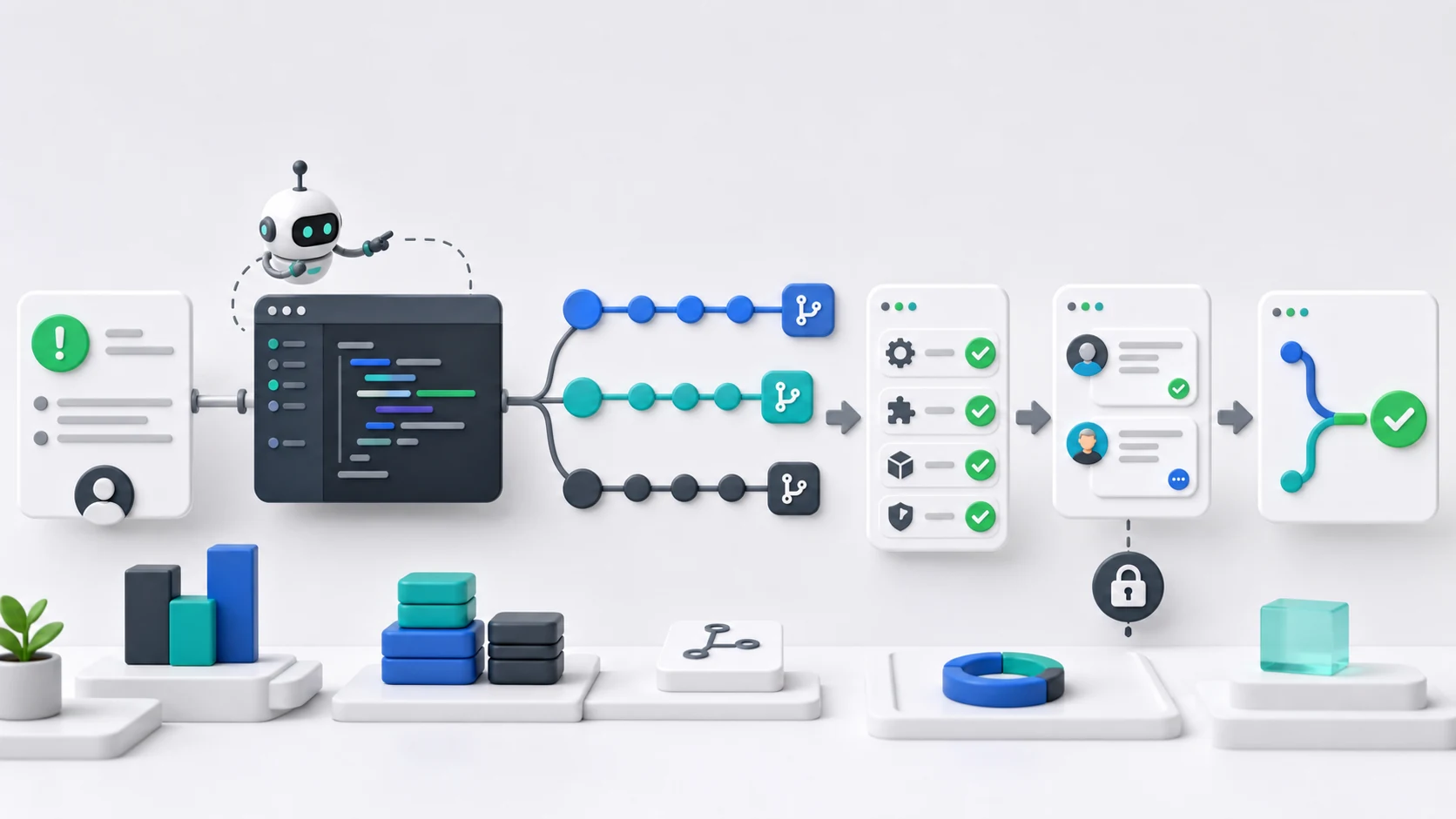
This makes it useful for teams that already organize engineering through GitHub issues and pull requests. Instead of asking an agent to edit files only in a local workspace, developers can delegate work from GitHub and review the result as part of the normal PR process.
GitHub Copilot coding agent is useful for:
GitHub-native teams
Issue-to-PR workflows
Background implementation tasks
Repository research and branch-based changes
Teams that want AI work to remain inside GitHub review habits
It may be less flexible for teams that want deeper provider control or custom model routing. Its strength is workflow integration, not provider independence.
Devin Desktop
Devin Desktop is the new name for Windsurf. It builds on the IDE foundation of Windsurf and moves toward an agent command center for managing local and cloud agents.
This positioning makes it different from a simple AI editor. It is better understood as an environment for coordinating coding agents and developer workflows across multiple surfaces.
Devin Desktop may fit teams that want:
An IDE-based coding experience
Local and cloud agent management
Multi-agent workflow coordination
A more structured command center for AI development
A transition path for existing Windsurf users
Devin Desktop goes beyond a terminal-based coding agent, offering a broader workspace for coordinating local and cloud development agents.
Open-Source and Self-Hosted Alternatives
Open-source and self-hosted options matter when teams want more control over tooling, data flow, provider choice, or deployment. This category is especially important for engineering teams with compliance, security, or infrastructure requirements.
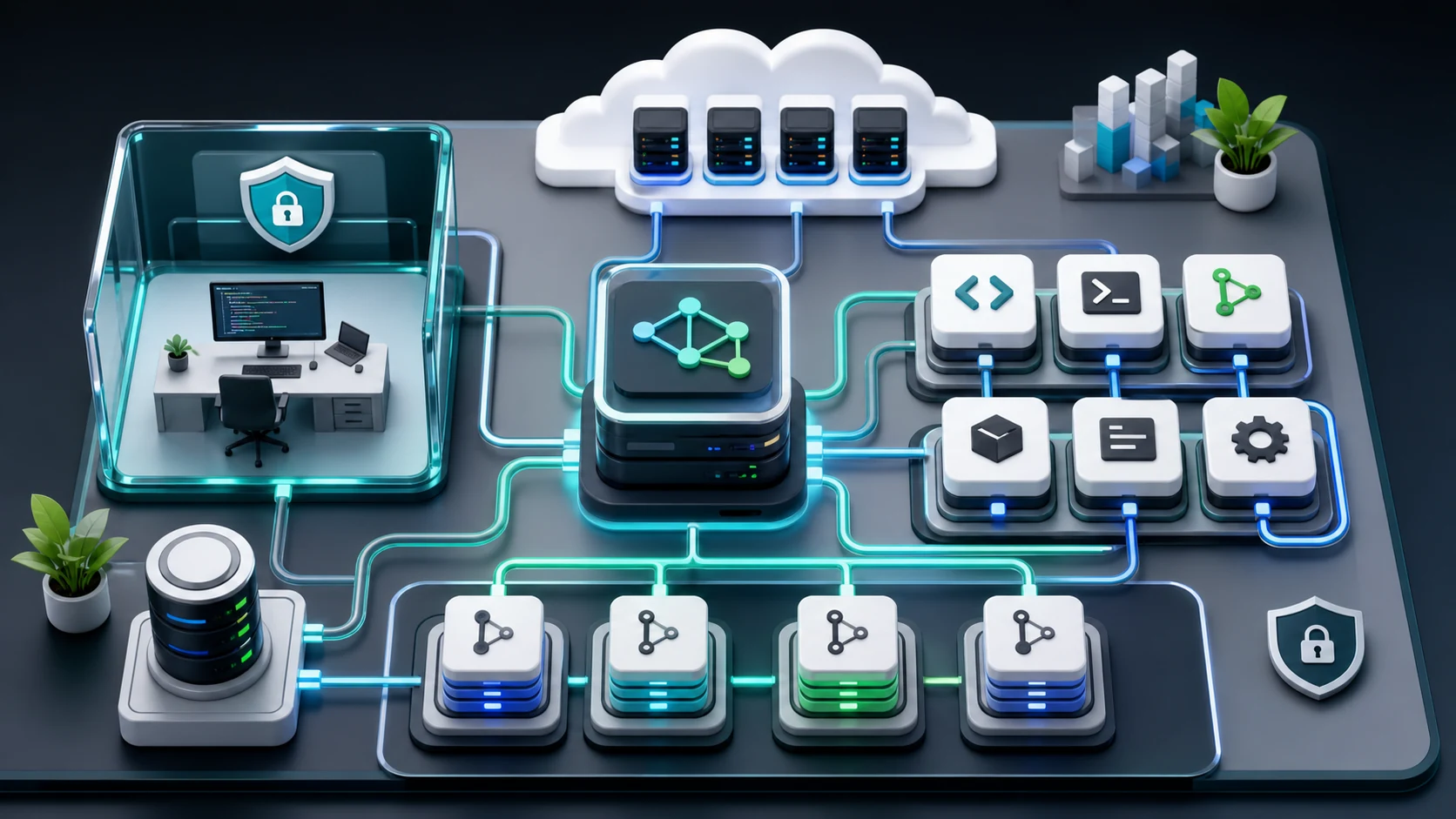
Aider, Cline, and OpenCode
Aider, Cline, and OpenCode are useful because they separate the coding interface from the model provider more clearly than many closed tools.
Aider is strong for terminal and Git-based workflows. Cline is strong for editor, terminal, SDK, and OpenAI-compatible provider workflows. OpenCode is strong for open-source coding agent workflows with broad provider choice.
These tools are especially useful when a team wants to experiment with different coding models. One model may perform better for refactoring, while another may be more cost-effective for test generation or documentation. A flexible coding tool makes that comparison easier.
OpenHands
OpenHands is an open-source platform for software development agents. It is more than a simple coding assistant. It can support agent workflows that write code, interact with command-line environments, and automate engineering tasks.
OpenHands is a better fit for teams that want to build or control a broader software agent system. It may be more complex than a terminal tool, but it offers more room for custom workflows and self-hosted engineering automation.
OpenHands may fit:
Teams building internal coding agents
Self-hosted development automation
Secure and controlled execution environments
Repository-level engineering tasks
Custom software agent workflows
For teams that only need a simple pair programmer, OpenHands may be more than necessary. For teams building agent infrastructure, it may be a stronger fit.
Continue
Continue was acquired by Cursor, while its open-source codebase remains freely available. Its current documentation covers both the VS Code and JetBrains extensions and Continue CLI (cn), a terminal-based coding agent that can edit files, run commands, and handle multi-step development tasks.
For developers comparing open-source Claude Code alternatives, Continue CLI provides the clearest terminal-first workflow. The IDE extensions remain relevant for teams that prefer chat, autocomplete, editing, and agent capabilities inside their existing development environment.
API Flexibility: Custom Providers, OpenAI-Compatible APIs, and SiliconFlow
Choosing a Claude Code alternative is not only about the user interface. For production teams, the model and API layer can be just as important.
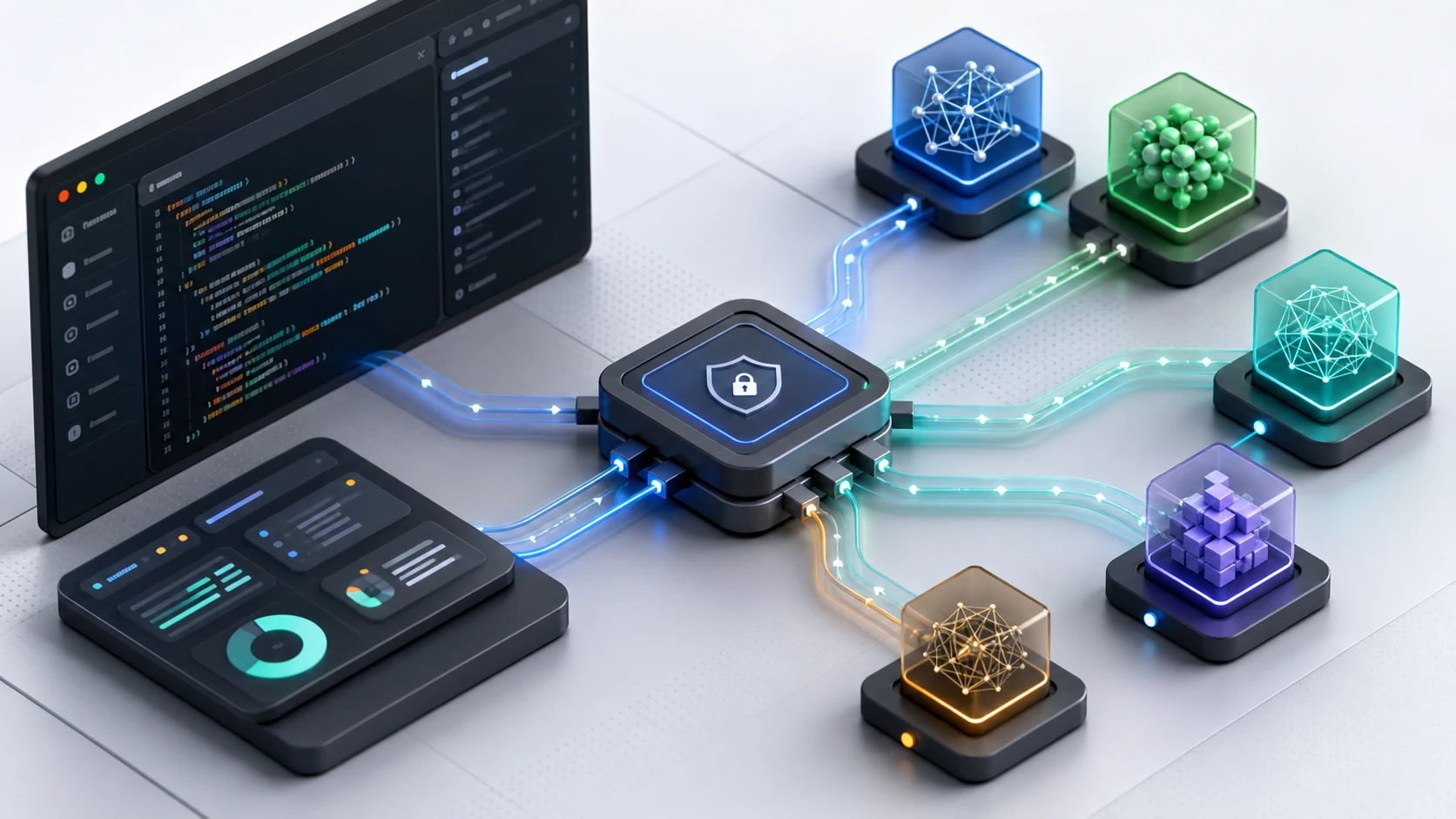
A coding agent depends on the model behind it. The model affects reasoning quality, coding accuracy, latency, context handling, output cost, and tool-use reliability. If the coding tool is locked to one provider, the team has fewer ways to optimize these factors.
That is why OpenAI-compatible APIs have become important in AI coding workflows. When a coding agent supports a custom base URL, API key, and model ID, developers can keep the same coding interface while changing the model provider behind it.
This creates a more flexible architecture:
The coding tool handles the developer interface.
The agent runtime handles planning, file access, command execution, and tool use.
The model API handles reasoning, code generation, and response quality.
The infrastructure layer handles inference performance, cost, scaling, and availability.
SiliconFlow fits this API and infrastructure layer. It is not an IDE, terminal agent, or code editor. It is better understood as a model API and inference infrastructure option for teams that want to power coding agents through flexible model access and OpenAI-compatible workflows.
For example, in a Cline-based workflow, developers can configure an OpenAI-compatible provider, set the SiliconFlow API base URL, add an API key, and choose a model ID. The coding agent remains Cline, while the model calls are routed through SiliconFlow.
This separation is useful for teams that want to:
Test different models for coding tasks
Avoid depending on a single model provider
Manage inference cost across high-volume coding workflows
Use API-based agent tools without changing the developer interface
Build internal AI coding systems on top of flexible model infrastructure
Support coding agents, automation tools, and developer assistants through one API layer
This is also why API-based alternatives deserve a place in any serious comparison of Claude Code alternatives. Many teams do not only need another coding assistant. They need a coding workflow that can adapt as models, costs, and engineering needs change.
How to Choose the Best Claude Code Alternative
The best Claude Code alternative depends on how your team writes, reviews, and ships code.
For Terminal-First Developers
Choose a CLI-based tool if your team prefers direct command-line interaction.
Best-fit options include:
OpenAI Codex CLI
Gemini CLI
Aider
OpenCode
These tools are useful for developers who want to stay close to the shell, run tasks locally, inspect changes directly, and use AI as part of their normal terminal workflow.
For Editor-First Developers
Choose an IDE-based tool if your team wants AI assistance inside the coding environment.
Best-fit options include:
Cursor
Cline
GitHub Copilot
Devin Desktop
These tools are easier to adopt for developers who prefer visual diffs, editor context, file navigation, and inline review.
For GitHub-Centered Teams
Choose a GitHub-native workflow when issues, branches, commits, and pull requests are the center of engineering work.
Best-fit options include:
GitHub Copilot coding agent
OpenHands
Cursor, depending on team workflow
This setup works well when AI-generated work still needs to move through normal review and approval processes.
For Open-Source and Self-Hosted Control
Choose open-source or self-hosted tools when control, auditability, and customization matter.
Best-fit options include:
OpenCode
Aider
Cline
OpenHands
This category is useful for teams that want to inspect tooling, customize behavior, control execution, or reduce dependency on a closed workflow.
For API-Based and Model-Flexible Workflows
Choose a model-flexible workflow when the team wants to separate the coding interface from the model infrastructure.
Best-fit options include:
Cline with an OpenAI-compatible provider
Aider with an OpenAI-compatible endpoint
OpenCode with custom model providers
Internal coding agents connected to SiliconFlow APIs
This is the strongest fit for SiliconFlow. Instead of replacing the coding tool interface, SiliconFlow supports the model and inference layer behind compatible coding agents.
For Enterprise and High-Volume Coding Workflows
Larger teams should evaluate Claude Code alternatives beyond the first demo. The right workflow needs to support repository-specific performance, cost control, routing flexibility, command review, internal security rules, and reliable monitoring.
For enterprise and high-volume use, teams should prioritize:
Model performance on real internal repositories
Predictable cost at scale
Task routing across different models
Command approval before execution
Security and governance compatibility
Usage, latency, and reliability monitoring
Integration with review, testing, and deployment workflows
In this context, a Claude Code alternative is not just a tool choice. It becomes an architecture decision. Teams may combine an editor or terminal agent with a flexible model API layer to gain more control over cost, routing, and deployment.
Common Questions About Claude Code Alternatives: Open-Source, CLI, IDE, and API-Based Coding Tools Compared
Q1. What Is the Best Claude Code Alternative?
There is no single best Claude Code alternative for every team. Terminal-first developers may prefer Codex CLI, Gemini CLI, Aider, or OpenCode. Editor-first developers may prefer Cursor, Cline, GitHub Copilot, or Devin Desktop. Teams that need provider flexibility should consider tools that support custom models or OpenAI-compatible APIs.
Q2. Is SiliconFlow a Claude Code Alternative?
Yes—at the model infrastructure layer rather than the coding interface layer. SiliconFlow connects compatible tools such as Cline, Aider, and OpenCode to coding-capable models through an OpenAI-compatible API. Teams can retain their preferred CLI or IDE workflow while gaining broader model choice, flexible task routing, cost control, and scalable inference.
Q3. What Is the Best Open-Source Claude Code Alternative?
Aider, Cline, OpenCode, and OpenHands are strong open-source options, but they serve different workflows. Aider fits terminal and Git-based editing. Cline works well for editor-based agent workflows. OpenCode focuses on provider flexibility. OpenHands is better for broader self-hosted software engineering agents.
Q4. Which Claude Code Alternatives Support OpenAI-Compatible APIs?
Aider supports OpenAI-compatible API endpoints, while Cline can be configured with an OpenAI-compatible provider. OpenCode also supports broad provider flexibility. This matters because teams can keep the same coding interface while changing the model provider, which is useful for cost control, model testing, and infrastructure flexibility.
Q5. When Does an API-Based Coding Workflow Make More Sense?
An API-based coding workflow makes sense when teams want more control over model choice, cost, routing, and integration. For example, a team can use Cline or Aider as the coding interface and connect the workflow to SiliconFlow through an OpenAI-compatible API, keeping the developer experience familiar while gaining model-layer flexibility.