目录

Kimi K3, Kimi K2.7 Code, and Kimi K2.6 are built for different production workloads. Kimi K3 offers a million-token context window for large codebases, long agent sessions, and complex knowledge work. Kimi K2.7 Code focuses on long-horizon software engineering, while Kimi K2.6 provides a lower-cost option for applications that combine coding, multimodal input, tool use, and general AI tasks.
All three models are available through the SiliconFlow Serverless API. Teams can evaluate them within a consistent inference environment instead of building separate integrations for each model. The final choice, however, should account for differences in context length, reasoning behavior, output controls, latency, and total task cost.
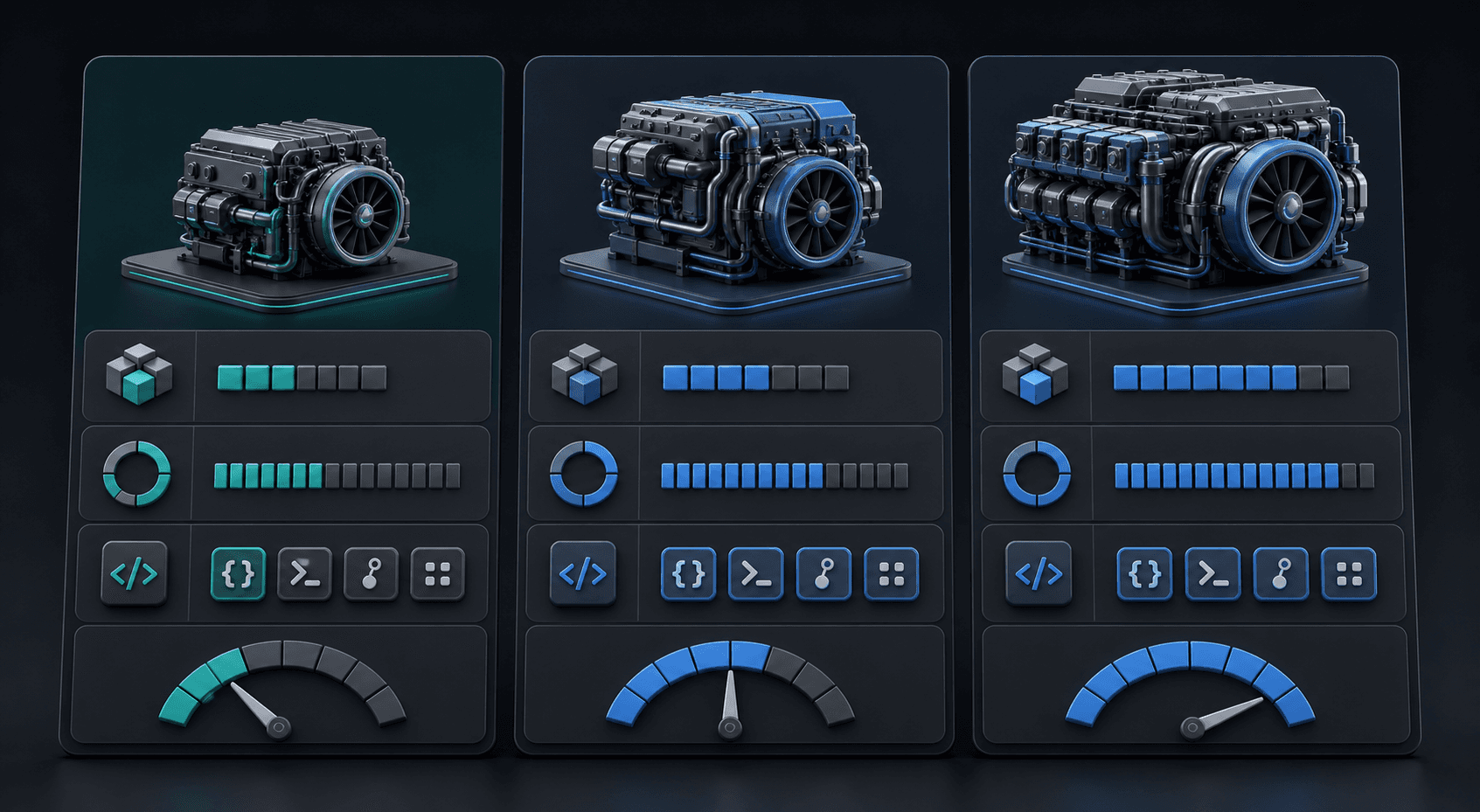
Kimi K3 vs. Kimi K2.7 Code vs. Kimi K2.6 at a Glance
Feature | Kimi K3 | Kimi K2.7 Code | Kimi K2.6 |
|---|---|---|---|
SiliconFlow Model ID | moonshotai/Kimi-K3 | moonshotai/Kimi-K2.7-Code | moonshotai/Kimi-K2.6 |
Primary Focus | Long-context coding, knowledge work, and deep reasoning | Coding-focused agent workflows | General-purpose multimodal and agentic tasks |
Architecture | 2.8T MoE | 1T MoE, 32B activated | 1T MoE, 32B activated |
Context Window | 1049K | 262K | 262K |
Model-Level Reasoning Behavior | Always enabled; low, high, or max effort | Always enabled; Preserved Thinking required | Enabled by default; can be disabled |
Image Input | Supported | Supported | Supported |
Tool Calling | Supported | Supported | Supported |
JSON Mode | Supported | Not supported | Supported |
Structured Outputs | Not supported | Not supported | Not supported |
Chat Prefix Completion | Not supported | Not supported | Supported |
Input Price | $3.00/M tokens | $0.85916/M tokens | $0.77/M tokens |
Cached Input Price | $0.30/M tokens | $0.17993/M tokens | $0.14/M tokens |
Output Price | $15.00/M tokens | $3.80/M tokens | $3.40/M tokens |
Pricing checked on July 20, 2026. Review the current SiliconFlow model pages before calculating production costs.
Kimi K3 has approximately four times the context capacity of the other two K2 series models. It also has a much higher output price, costing about 3.9 times more than Kimi K2.7 Code and 4.4 times more than Kimi K2.6 per million output tokens. Kimi K2.7 Code and Kimi K2.6 share the same architecture scale and context length, but differ in specialization, reasoning controls, and JSON support.
The reasoning descriptions in the table refer to the models’ native behavior. Kimi K3 always reasons and supports low, high, and max reasoning effort. Kimi K2.7 Code always uses thinking with Preserved Thinking enabled, while Kimi K2.6 allows thinking to be enabled or disabled. Confirm the current SiliconFlow API parameters before implementing model-specific reasoning settings.
What Is Kimi K3 Best For?
Kimi K3 is the most capable option in this comparison, and it stands out most in workloads that require longer context or deeper reasoning.
Large Codebases and Long Sessions
Kimi K3 supports a 1049K context window on SiliconFlow, compared with 262K for Kimi K2.7 Code and Kimi K2.6. This allows more source files, technical requirements, logs, test results, and conversation history to remain available during one task.
It can be useful for:
Reviewing large repositories with many connected modules
Tracing dependencies across multiple services
Comparing implementation details with extensive documentation
Maintaining context during long coding and debugging sessions
Reducing repeated retrieval or summarization steps
The larger window should still be used selectively. Loading irrelevant files increases input cost and may make it harder for the model to identify the information that matters.
Complex Agent Workflows
Kimi K3 is suited to workflows that involve long reasoning chains, multiple tools, or several types of input. Examples include investigating a production issue across services, updating code and documentation together, or coordinating research, implementation, and testing within one agent session.
Its higher price is easier to justify when it reduces failed tool calls, missing requirements, repeated retrieval, or manual correction. Short extraction, classification, and routine assistant requests may not need its full capability.
Multimodal Knowledge Work
As a native multimodal model, Kimi K3 can process both visual and textual inputs directly while also supporting tool calling and JSON Mode on SiliconFlow. Its long context makes it useful when screenshots, diagrams, or other visual material must be analyzed together with large document or code collections.
Potential applications include interface implementation from visual references, technical diagram analysis, document review, and research tasks that combine images with extensive supporting text.
What Is Kimi K2.7 Code Best For?
Kimi K2.7 Code is a coding-focused agentic model built on Kimi K2.6. It is designed for real-world software engineering tasks that require repeated planning, editing, tool use, and validation.
Long-Horizon Software Engineering
Kimi K2.7 Code is a strong candidate for:
Multi-file feature implementation
Repository-level bug fixing
Automated test generation and repair
Refactoring across connected modules
Front-end implementation from screenshots
These tasks require more than producing an isolated code snippet. The model must inspect the project, decide which files to change, use development tools, interpret test failures, and revise its work.
Coding Agent Workflows
The model supports image input and tool calling on SiliconFlow, making it suitable for agents that read files, execute commands, inspect logs, run tests, or compare an implementation with a visual reference.
Kimi K2.7 Code does not currently support JSON Mode or Structured Outputs on SiliconFlow. Applications that require machine-readable output should validate responses, add retry logic, or use a separate model for structured formatting.
Lower Thinking-Token Usage
Kimi K2.7 Code uses approximately 30% fewer thinking tokens than Kimi K2.6, according to its model positioning. This can reduce reasoning overhead during long coding tasks.
Fewer thinking tokens do not automatically mean lower end-to-end latency. Total task duration also depends on context size, generated output, tool execution, test cycles, and the number of retries needed to complete the task.
What Is Kimi K2.6 Best For?
Kimi K2.6 is a native multimodal agentic model for coding, visual input, tool use, and general AI applications. It remains useful when an application needs broad capabilities without Kimi K3’s higher token costs.
General-Purpose AI Applications
Kimi K2.6 is often the practical default when:
The workload fits within a 262K context
Coding and non-coding requests share one application
JSON Mode is required
Some tasks need reasoning while others need direct responses
Request volume makes token cost a major concern
A million-token context does not improve completion quality
Its lower input, cached-input, and output prices make it easier to use across high-volume production workloads.
Flexible Reasoning Modes
At the model level, Kimi K2.6 enables thinking by default but allows it to be disabled. It can therefore support deeper reasoning for complex tasks and more direct responses for simpler requests.
The exact parameters exposed through an inference provider may differ from Moonshot AI’s native API. Review the current SiliconFlow documentation before transferring a K2.6 configuration from another platform.
Standard Multimodal and Structured Tasks
Kimi K2.6 supports image input, tool calling, JSON Mode, and Chat Prefix Completion on SiliconFlow. These capabilities make it suitable for screenshot analysis, document-image processing, visual question answering, structured extraction, and mixed agent workflows.
Kimi K3 vs. Kimi K2.7 Code for Coding
The best Kimi model for coding depends on repository size, workflow complexity, and total cost—not model generation alone.
Codebase Understanding
Kimi K3 has a clear advantage when the relevant source code, documentation, issue history, and logs exceed the 262K context available to Kimi K2.7 Code.
More context can reduce the need to split a repository into smaller groups or repeatedly retrieve files. However, when the necessary code fits within 262K, Kimi K2.7 Code may offer a more focused and economical coding workflow.
Cross-File Editing
Both models can work on multi-file changes. Kimi K2.7 Code is specifically positioned for long-horizon coding agents, while Kimi K3 is more compelling when edits require unusually broad architectural context or large supporting datasets.
A useful evaluation should check whether each model can:
Identify the relevant files.
Trace dependencies correctly.
Modify all affected components.
Preserve existing behavior.
Update or add tests.
Explain any remaining limitations.
Debugging and Tool Use
Both models support tool calling on SiliconFlow. The key question is whether they can complete the full debugging loop rather than produce a plausible patch.
Measure whether the model can reproduce the issue, identify the cause, modify the correct files, run tests, interpret failures, and stop once the acceptance criteria are met.
Latency and Task Cost
Kimi K2.7 Code costs considerably less per token, but a lower API rate does not guarantee a lower total task cost. A model that needs more retries, tool calls, or human corrections can become more expensive in practice.
Compare:
Time to first token
Total task duration
Input and output tokens
Tool-call success rate
Number of repair loops
Test pass rate
Human review time
Cost per accepted solution
Kimi K3 vs. Kimi K2.6 for AI Applications
The Kimi K3 vs. Kimi K2.6 decision is primarily a trade-off between maximum context and production efficiency.
Context Length
Kimi K3 is the better fit when an application needs to process more than 262K tokens in one task. This may include large research collections, long agent histories, or multimodal inputs combined with substantial technical documentation.
Kimi K2.6 is sufficient for many retrieval-augmented generation, assistant, coding, and document workflows. Applications that already select relevant context through retrieval may not benefit enough from K3’s larger window to justify the added cost.
Reasoning and Agent Capabilities
Both models can support tool-driven and multi-step workflows. Kimi K3 is positioned for the most demanding long-horizon tasks, while Kimi K2.6 offers greater control over whether reasoning is used at the model level.
The practical question is whether K3 improves task completion enough to offset its higher input and output prices.
In our internal demo tests, including workflows that combined research with game development, K3 completed more tasks in a single pass than Kimi K2.6 or Kimi K2.7 Code. It followed multi-step instructions more consistently and required fewer correction rounds or follow-up prompts. Early developer reports describe a similar pattern in complex one-shot builds and agent tasks.
The trade-off is that a single K3 run can take longer to finish. Some early users have also reported longer completion times for substantial one-shot development tasks. Teams should therefore compare end-to-end task time, not response speed alone. A slower first run may still be more efficient if it avoids several rounds of correction and regeneration.
Multimodal Input
Both models support image input. Kimi K3 is more appropriate when visual content must be evaluated together with a very large text or code context.
For standard screenshot analysis, document-image processing, interface review, and visual extraction within 262K, Kimi K2.6 may be the more economical option.
Cost and Latency
Kimi K3 currently costs $3.00 per million input tokens and $15.00 per million output tokens. Kimi K2.6 costs $0.77 and $3.40 respectively.
Latency should be tested directly. Architecture size, context capacity, and token price do not provide a reliable estimate of time to first token or total response time.
Which Kimi Model Should You Choose?
Workload | Recommended Model | Main Reason |
|---|---|---|
Repository or document set larger than 262K | Kimi K3 | 1049K context window |
Long coding agent with repeated editing and testing | Kimi K2.7 Code | Coding specialization and lower cost than K3 |
High-volume coding and general AI requests | Kimi K2.6 | Flexible capabilities and lower pricing |
Application requiring JSON Mode | Kimi K3 or Kimi K2.6 | Kimi K2.7 Code does not support it |
Workflow requiring optional non-thinking responses | Kimi K2.6 | Thinking can be disabled at the model level |
Long multimodal knowledge task | Kimi K3 | Larger context for visual and text inputs |
Standard screenshot or document-image analysis | Kimi K2.6 | Multimodal support at a lower token price |
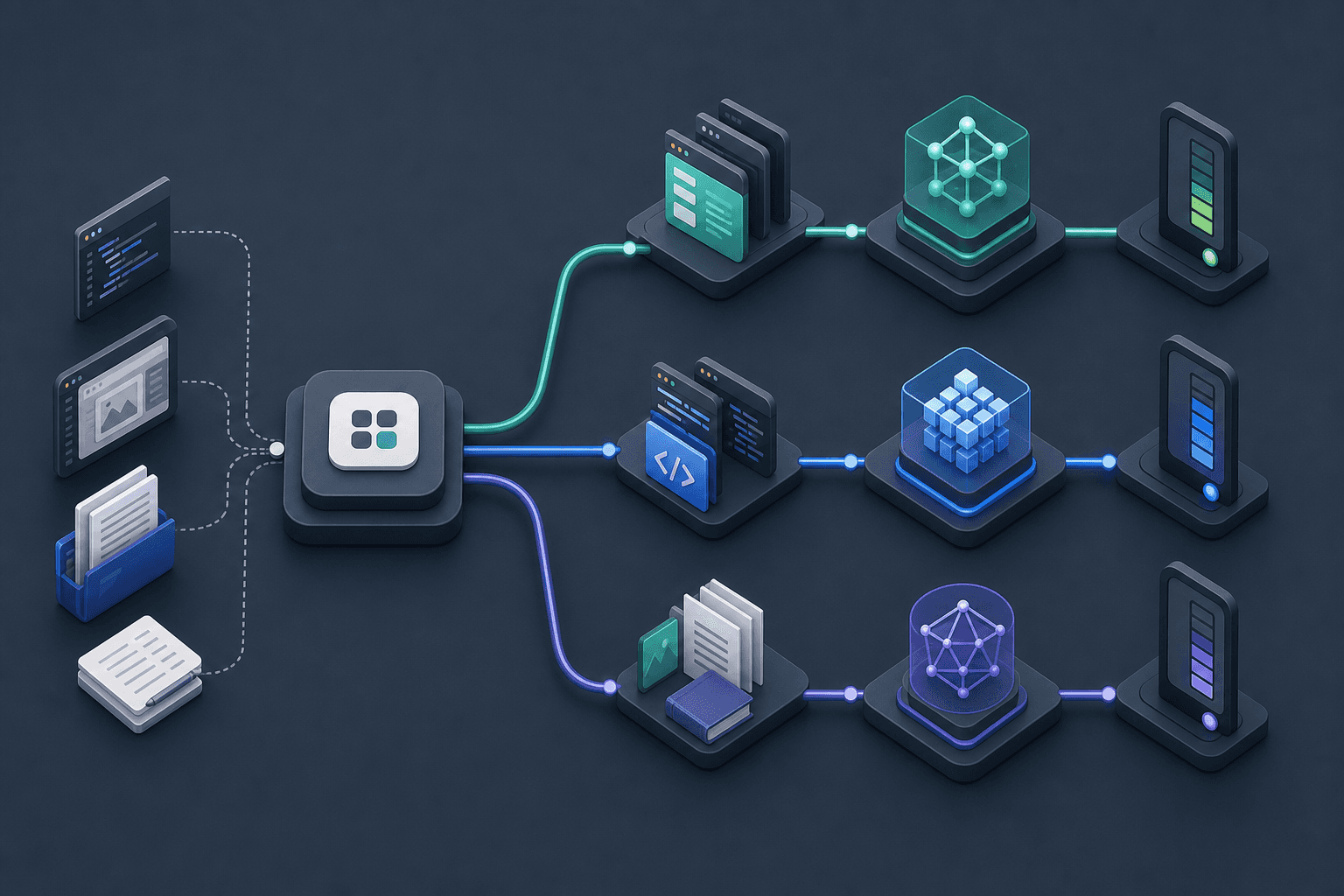
A production application does not need to rely on only one model. Routine requests can be routed to Kimi K2.6, coding agents can use Kimi K2.7 Code, and tasks that exceed the K2 context window can move to Kimi K3.
How to Compare Kimi Models on SiliconFlow
Public benchmarks can provide a reference, but production decisions should be based on the application’s actual prompts, data, tools, and acceptance criteria.
Test the Same Prompt and Dataset
Use the same:
System prompt
User request
Repository snapshot
Files and images
Tool definitions
Output requirements
Acceptance criteria
Retry policy
For coding evaluations, restore the repository to the same starting state before every run.
Account for Model-Specific Settings
A fair comparison does not mean forcing identical unsupported settings onto every model.
Kimi K3, Kimi K2.7 Code, and Kimi K2.6 have different native reasoning controls. Their JSON support also differs. Keep the workload and evaluation method consistent while recording the configuration required by each model.
Measure Latency and Token Usage
Track input tokens, cached tokens, output tokens, time to first token, and total response time. For agent workflows, include the tokens and latency generated by every repair or tool-use round rather than measuring only the first request.
Evaluate Tool-Calling Success
Record whether the model:
Selects the correct tool
Produces valid tool arguments
Uses tool results correctly
Recovers from tool errors
Stops after completing the task
A successful tool call is not the same as a successfully completed workflow.
Calculate Cost per Completed Task
Multiply token usage by current SiliconFlow pricing, then include retries, failed runs, and human review.
The most useful comparison is not the cost of one API request. It is the cost of producing an accepted result.
How to Migrate From Kimi K2 to Kimi K3
Migration begins by changing the model ID to:
moonshotai/Kimi-K3
The rest of the integration should be retested because K3 differs from K2.6 and K2.7 Code in context size, native reasoning controls, and output behavior.
Update Model-Specific Reasoning Parameters
Kimi K2.6 natively uses a thinking configuration, while Kimi K3 uses a top-level reasoning_effort setting with low, high, and max levels. Kimi K2.7 Code always enables thinking and Preserved Thinking.
When moving to K3, remove K2-specific reasoning settings and verify which K3 parameters are currently supported through the SiliconFlow API. Avoid assuming that request fields from the Moonshot AI API can be copied without modification.
Preserve Complete Assistant Messages
In multi-step tool loops and conversations that preserve reasoning, keep the complete assistant message returned by the API, including any reasoning_content, when passing the history into the next request. Removing fields from the returned message may interrupt reasoning continuity or tool execution.
For an existing production conversation, test history handling before switching live sessions to K3.
Recheck Context and Spending Limits
Kimi K3 can accept much larger inputs, but larger requests also increase spending. Review:
File-selection rules
Context truncation
Maximum output tokens
Cache strategy
Per-request budgets
Usage alerts
Do not send all available data simply because it fits within the context window.
Retest Tools and JSON Responses
Kimi K3 supports tools and JSON Mode on SiliconFlow but does not currently support Structured Outputs. Applications should continue validating required keys, data types, tool arguments, and termination conditions.
Run a staged test before increasing production traffic. Compare task success, latency, token usage, retry rates, and total cost with the existing K2 model.
Deploy the Right Kimi Model on SiliconFlow
Kimi K3 is suited to million-token contexts and demanding long-horizon tasks. Kimi K2.7 Code is a focused option for coding agents, while Kimi K2.6 provides a practical balance of multimodal capabilities, flexible reasoning, and lower API costs.
Test the models with your own prompts, repositories, tools, and evaluation criteria on SiliconFlow. Compare completion quality, latency, token usage, and cost per successful task, then deploy the model—or model combination—that best fits your production workload.
Common Questions About Choosing a Kimi Model
Q1. Can Existing OpenAI SDK Code Call These Models?
Yes. Set the OpenAI client’s base_url to https://api.siliconflow.com/v1, then replace the model ID with the Kimi model you want to call. Review model-specific parameters before reusing an existing request configuration.
Q2. Can Kimi Responses Be Streamed Through SiliconFlow?
Yes. Enable streaming in the Chat Completions request to process output as it arrives. Applications using reasoning models should handle both normal content and reasoning_content chunks, while also preparing for interrupted connections, retries, and incomplete responses.
Q3. Are Rate Limits Shared Across Kimi Models?
No. Each model has separate rate limits, so reaching the limit for one model does not stop calls to another. Limits apply at the account level rather than the API-key level and vary by model and usage tier.
Q4. Should Image Inputs Use URLs or Base64 Encoding?
Either format can work. SiliconFlow accepts accessible image URLs and Base64-encoded images through Chat Completions. URLs reduce request size, while Base64 can suit local or private files. Select the image detail setting according to accuracy and processing needs.
Q5. Should Production Environments Use Separate API Keys?
Yes, separate keys improve access control, auditing, and credential rotation across development and production. However, creating more keys does not increase throughput because SiliconFlow rate limits are calculated at the user-account level, not independently for each API key.