目次

You can access GLM-5.3 on SiliconFlow through the OpenAI-compatible Chat Completions API. Use the model ID zai-org/GLM-5.3, send requests to https://api.siliconflow.com/v1/chat/completions, and authenticate with a SiliconFlow API key.
As of September 9, 2026, GLM-5.3 costs $1.40 per million input tokens, $0.26 per million cached input tokens, and $4.40 per million output tokens on SiliconFlow.
What You Need to Access the GLM 5.3 API
Prepare the following before sending your first request:
Item | Value or Requirement |
|---|---|
SiliconFlow account | Required to create and manage API keys |
API key | Generated from the SiliconFlow console |
API endpoint | https://api.siliconflow.com/v1/chat/completions |
GLM 5.3 API model ID | zai-org/GLM-5.3 |
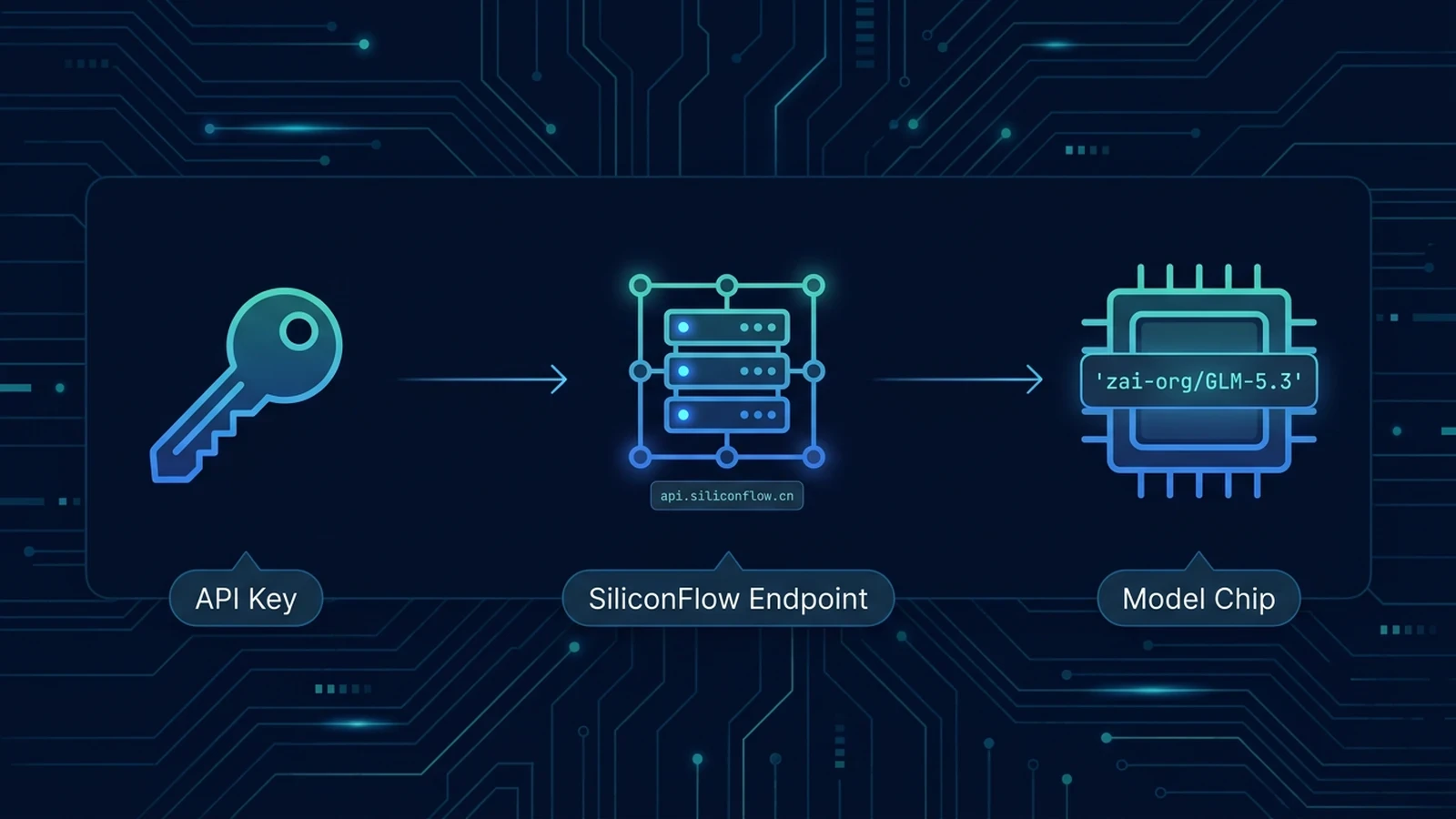
Create a key from the SiliconFlow API Keys page. Copy it when it is generated and store it outside your source code. The examples below read the key from an environment variable named SILICONFLOW_API_KEY.
On macOS or Linux, set the variable with:
In Windows PowerShell, use:
Install the Python requests package if it is not already available:
The namespace is an important part of the model ID. Values such as glm-5.3, GLM-5.3, or zai/GLM-5.3 do not identify the SiliconFlow deployment. Copy zai-org/GLM-5.3 exactly from the GLM-5.3 model page.
Send Your First GLM 5.3 Request With Python
The following GLM 5.3 Python example sends a non-streaming Chat Completions request. It includes environment-variable validation, a client timeout, and basic HTTP error reporting.
GLM-5.3 uses always-on reasoning, with three settings for controlling reasoning effort:
Value | Practical Starting Point |
|---|---|
low | Routine transformations and straightforward code tasks |
high | Debugging, code generation, and moderately complex reasoning |
max | Cross-file analysis, architecture work, and long-running agent tasks |
high is a practical starting point when testing the API. Move to max when representative tasks show that the additional reasoning improves the result enough to justify potentially longer responses and higher total token use.
The max_tokens field limits how many tokens the model may generate. It does not reserve or charge for that number in advance. Billing is based on the tokens processed and generated.

Read the Response and Enable Streaming
A successful non-streaming response follows the Chat Completions structure in the SiliconFlow API reference. The fields most applications need are:
content contains the final answer intended for the user. Reasoning-model responses can also include reasoning_content as a separate field. Applications should normally display or store the final content rather than combine both fields in the user-facing answer.
Check finish_reason before treating a response as complete. Record the usage object during prompt testing as well, because output length can have a significant effect on the total request cost.
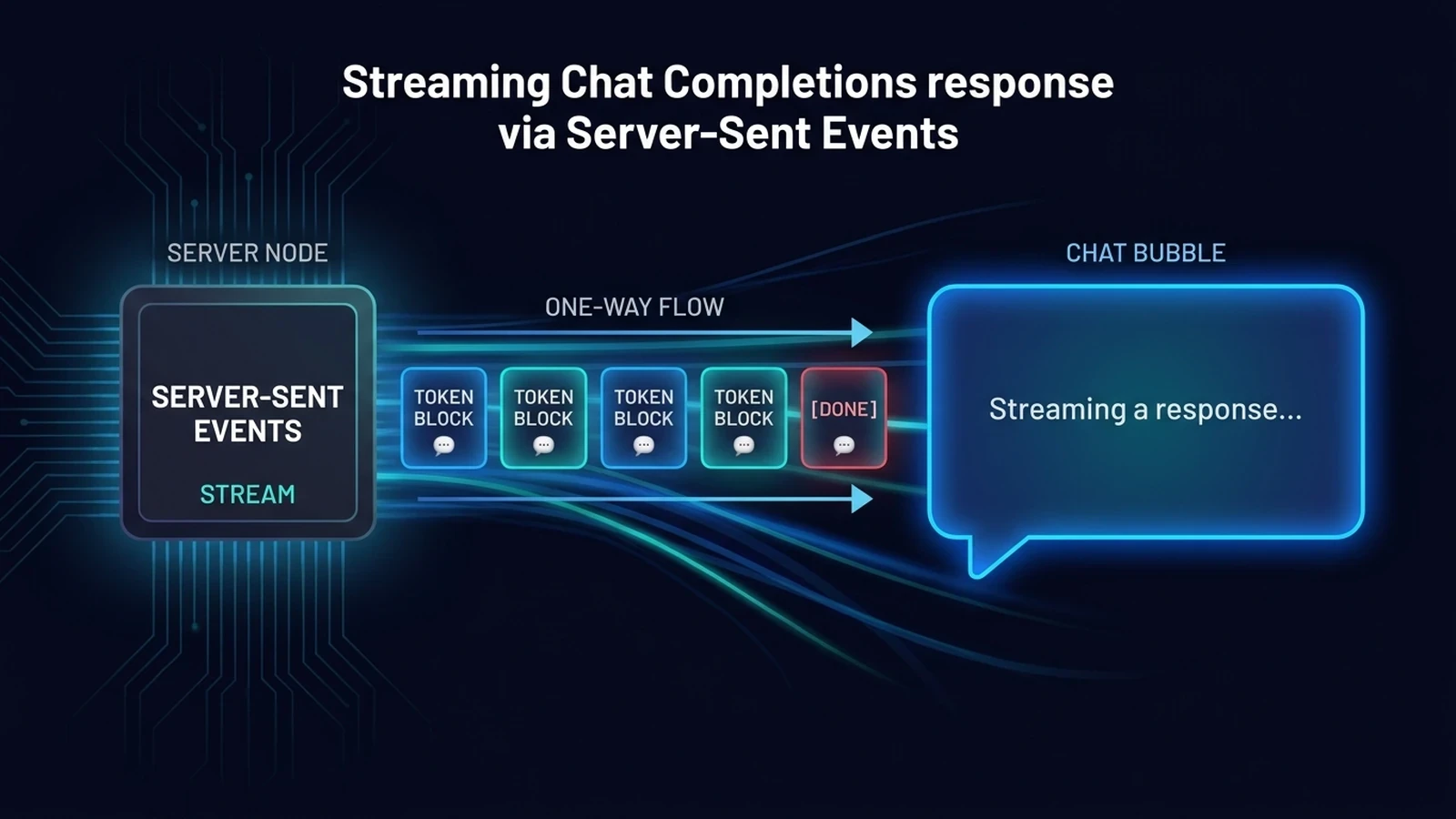
For interactive chat, coding assistants, and longer responses, set stream to True. SiliconFlow returns Server-Sent Events and ends the stream with data: [DONE].
This parser ignores empty events and events that do not contain a content token. A production client should also catch connection interruptions and determine whether retrying the request could repeat work that the model has already completed.
GLM 5.3 API Pricing and Cost Examples
Current SiliconFlow pricing uses separate rates for uncached input, cached input, and output:
Usage Type | Price per Million Tokens |
|---|---|
Input | $1.40 |
Cached input | $0.26 |
Output | $4.40 |
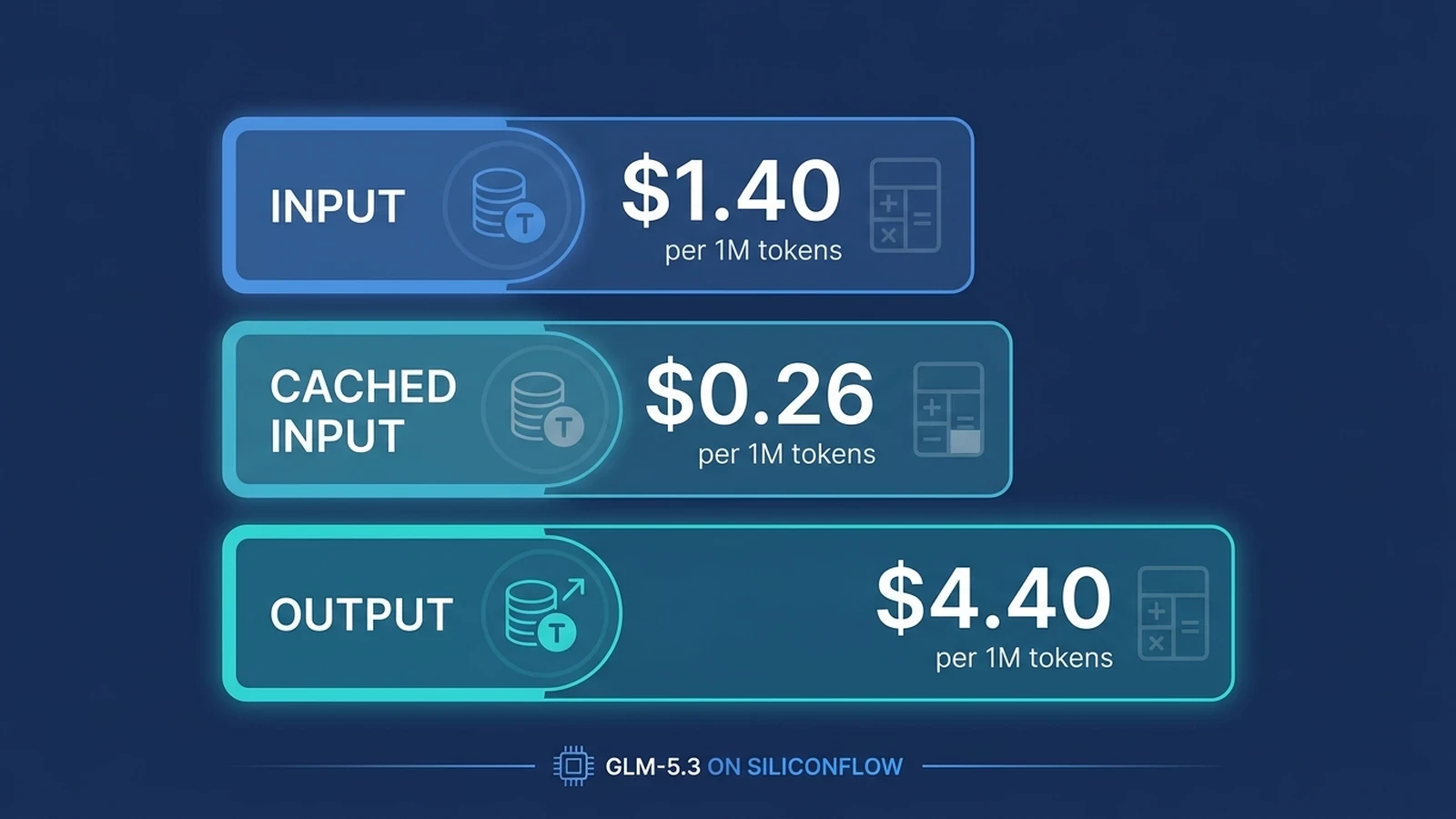
These prices apply to the SiliconFlow zai-org/GLM-5.3 deployment as of September 9, 2026. Prices from the Z.AI direct API or another inference provider should not be used to estimate the cost of requests sent through SiliconFlow.
Calculate the estimated cost with:
Estimated cost (USD) = (uncached input tokens / 1,000,000 * 1.40) + (cached input tokens / 1,000,000 * 0.26) + (output tokens / 1,000,000 * 4.40) Divide the number of tokens in each category by one million, multiply each result by its applicable price, and then add the three amounts.
The following examples are hypothetical:
Workload | Token Usage | Estimated Cost |
|---|---|---|
1,000 short requests | 1M input + 200K output | $1.40 + $0.88 = $2.28 |
100 code-analysis requests | 5M input + 500K output | $7.00 + $2.20 = $9.20 |
1,000 requests with repeated context | 2M uncached input + 8M cached input + 2M output | $2.80 + $2.08 + $8.80 = $13.68 |
The third example assumes that 8 million input tokens qualify for cached-input pricing. Treat it as an estimate because the actual billed cost depends on the token categories applied to each request.
Output control deserves particular attention with GLM-5.3. At the current standard rates, reducing one million input tokens saves $1.40, while reducing one million output tokens saves $4.40. Set a realistic max_tokens value and give the model a clear output format instead of allowing every request to produce an unnecessarily long response.
Cost per request is also different from cost per successful task. When evaluating GLM-5.3 for coding or agent workflows, track retries, failed outputs, human correction time, and token use alongside the listed API price.
Fix Authentication, Model ID, and Request Errors
Start troubleshooting with the HTTP status, response body, endpoint, and exact model ID. Authentication and request-format problems require a correction rather than another identical request.
Error or Symptom | Likely Cause | What to Check |
|---|---|---|
Local SILICONFLOW_API_KEY is not set error | Environment variable is missing | Set the variable in the same shell that runs the script |
HTTP 401 or Invalid token | Missing, invalid, or malformed API key | Confirm the key and the Authorization: Bearer format |
HTTP 400 with an API error object | Invalid request body, model, or parameter | Start with model and messages, then add optional fields one at a time |
Model-not-found or unsupported-model message | Incorrect model ID | Use zai-org/GLM-5.3 with matching capitalization and punctuation |
HTTP 404 | Incorrect URL or path | Use https://api.siliconflow.com/v1/chat/completions |
HTTP 429 | Account-level token or request limit reached | Reduce concurrency, apply bounded backoff, and review the account limit |
HTTP 503 with code 50505 | Model service is temporarily overloaded | Retry with exponential backoff and random jitter |
HTTP 504 or client timeout | Request took too long | Retry cautiously, reduce the prompt or output size, or increase the client timeout |
For a 429, 503, or 504 response, use a limited retry policy, such as three attempts with increasing delays. Add random jitter when multiple workers may retry together. Do not automatically retry 400 or 401 responses without first correcting the request or credentials.
If a request works without reasoning_effort but fails after that field is added, verify the model ID and parameter value. GLM-5.3 supports low, high, and max; parameters copied from another model or provider may not be accepted by the SiliconFlow deployment.
A useful validation sequence is to test the prompt through the GLM-5.3 model page and then send a minimal API request containing only model and messages. Once that works, add reasoning controls, output limits, streaming, and tools individually.
Common Questions About the GLM 5.3 API
Q1. Can I Use the OpenAI Python SDK With the GLM 5.3 API?
Yes. Set the SDK base URL to https://api.siliconflow.com/v1, provide your SiliconFlow API key, and use zai-org/GLM-5.3 as the model. Verify that any optional parameters are supported before copying them from another provider.
Q2. Can GLM-5.3 Accept Images Through SiliconFlow?
No. The SiliconFlow deployment of GLM-5.3 accepts text input and returns text output. Choose a model with documented image-input support when your application needs to analyze screenshots, diagrams, photographs, or other visual content.
Q3. Does GLM-5.3 Support Tool Calling on SiliconFlow?
Yes. The SiliconFlow deployment supports function tools through the Chat Completions API. Define the available functions in the tools array and handle returned tool_calls in your application before sending the tool result back to the model.
Q4. Are GLM-5.3 and GLM-5.3-Flash the Same API Model?
No. They are separate SiliconFlow deployments with different model IDs, capabilities, and prices. Use zai-org/GLM-5.3 for the model covered here and verify the GLM-5.3-Flash model page before switching an application to that variant.