目次

Cline can read code, edit files, run terminal commands, inspect errors, and continue across multi-step coding tasks. That makes model choice central to both coding quality and API cost. A good Cline API model should handle code context, follow instructions, work reliably with tools, and stay efficient across repeated loops. For most workflows, DeepSeek V4 Flash suits low-cost daily coding, DeepSeek V4 Pro fits harder reasoning tasks, and GLM 5.2 helps with larger codebases.
What Makes a Good API Model for Cline?
A good Cline API model needs to match how coding agents work. Cline may inspect files, compare context, propose edits, update code, run commands, read errors, and continue from earlier steps. This makes model choice different from choosing a normal chat model.
Key factors include:
Coding ability: The model should write usable code, understand project structure, and avoid unnecessary rewrites.
Instruction following: It should follow framework rules, file-level requirements, and user constraints.
Context window: Larger context helps when Cline needs to read multiple files, logs, configs, and previous steps.
Tool reliability: Cline workflows often involve file editing, command execution, and structured action planning.
Latency: Faster responses help with frequent edits and short coding loops.
Token cost: Cline can use many input tokens because it reads files and keeps task history.
OpenAI-compatible API access: This makes it easier to connect third-party model APIs to coding tools like Cline.
The best model for Cline is not always the most expensive model. It is the model that gives enough coding quality at the right cost for the task.
What Third-Party Cline Usage Data Shows
Third-party Cline usage data can help identify which models developers are testing, but it should be treated as a signal rather than a complete ranking of all Cline users.
OpenRouter’s public Cline usage page provides one of the clearest available third-party signals. It tracks aggregate Cline traffic routed through OpenRouter, including the number of models used and the most-used models over the previous 30 days. This data does not represent all Cline users because it excludes requests sent through direct APIs or other providers. Still, it shows that developers test many models instead of relying on one default option.
This is expected because Cline workflows vary. A small TypeScript fix, a documentation update, a full-stack refactor, and a long debugging session do not require the same model budget.
The practical takeaway is clear: Cline model selection should be workflow-based.
A low-cost model can be the better choice for frequent daily edits. A stronger model may be worth the cost when the task requires deeper reasoning, multi-file planning, or careful debugging. A long-context model becomes more useful when Cline needs to keep more project information visible across a longer session.
Models Shortlisted From Usage Signals and SiliconFlow Availability
This comparison focuses on three models that fit common Cline workflows:
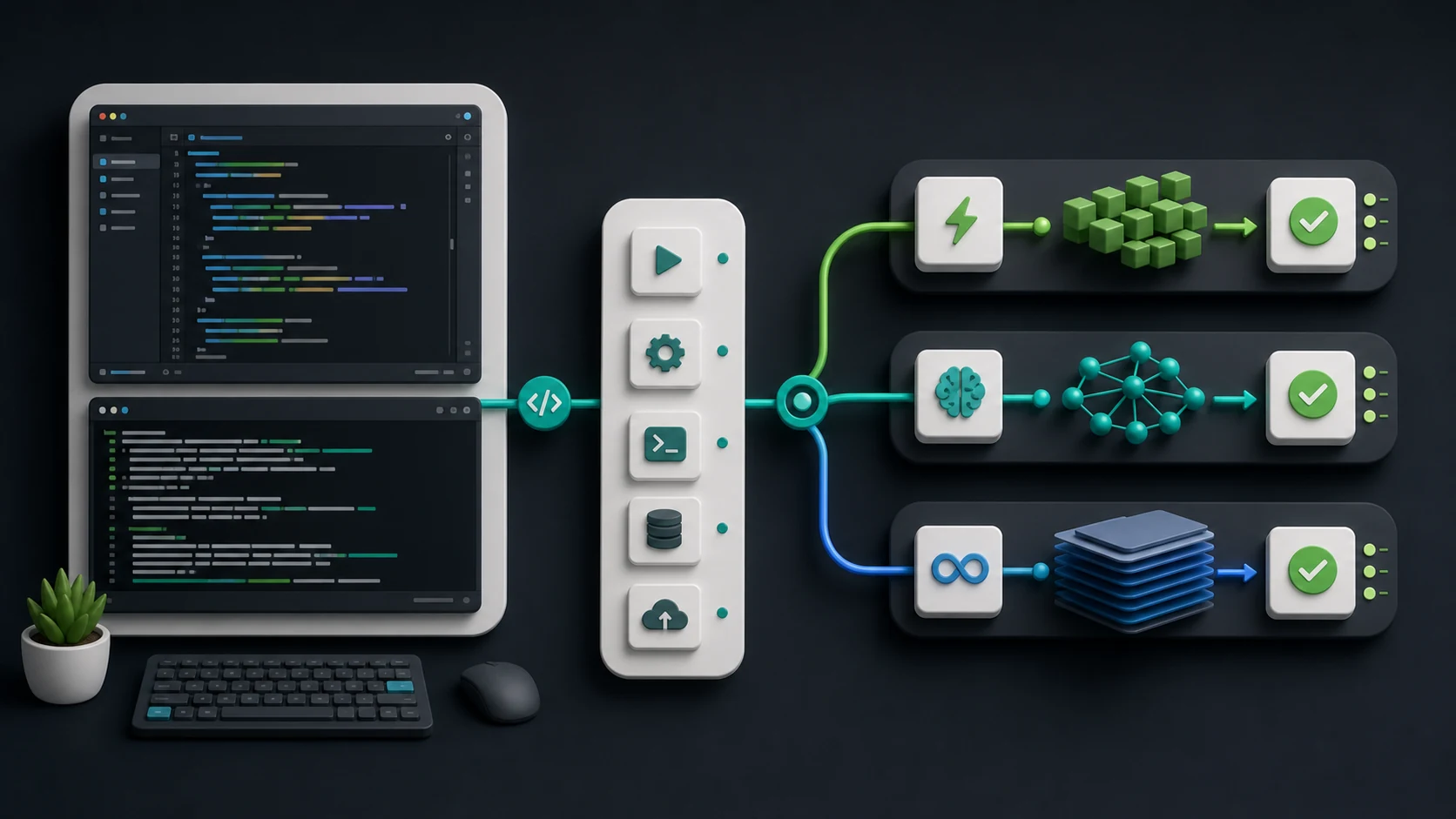
Model | Main Role in Cline | Best Fit |
|---|---|---|
Low-cost coding model | Daily edits, simple debugging, frequent coding loops | |
Higher-budget DeepSeek model | Complex debugging, multi-file changes, reasoning-heavy tasks | |
Long-context coding model | Larger codebases, long sessions, project-level understanding |
These models can be used in Cline through an OpenAI-compatible setup. In Cline, select OpenAI Compatible as the API provider, enter the API base URL, add the API key, and use the target model ID.
For Cline configuration, use:
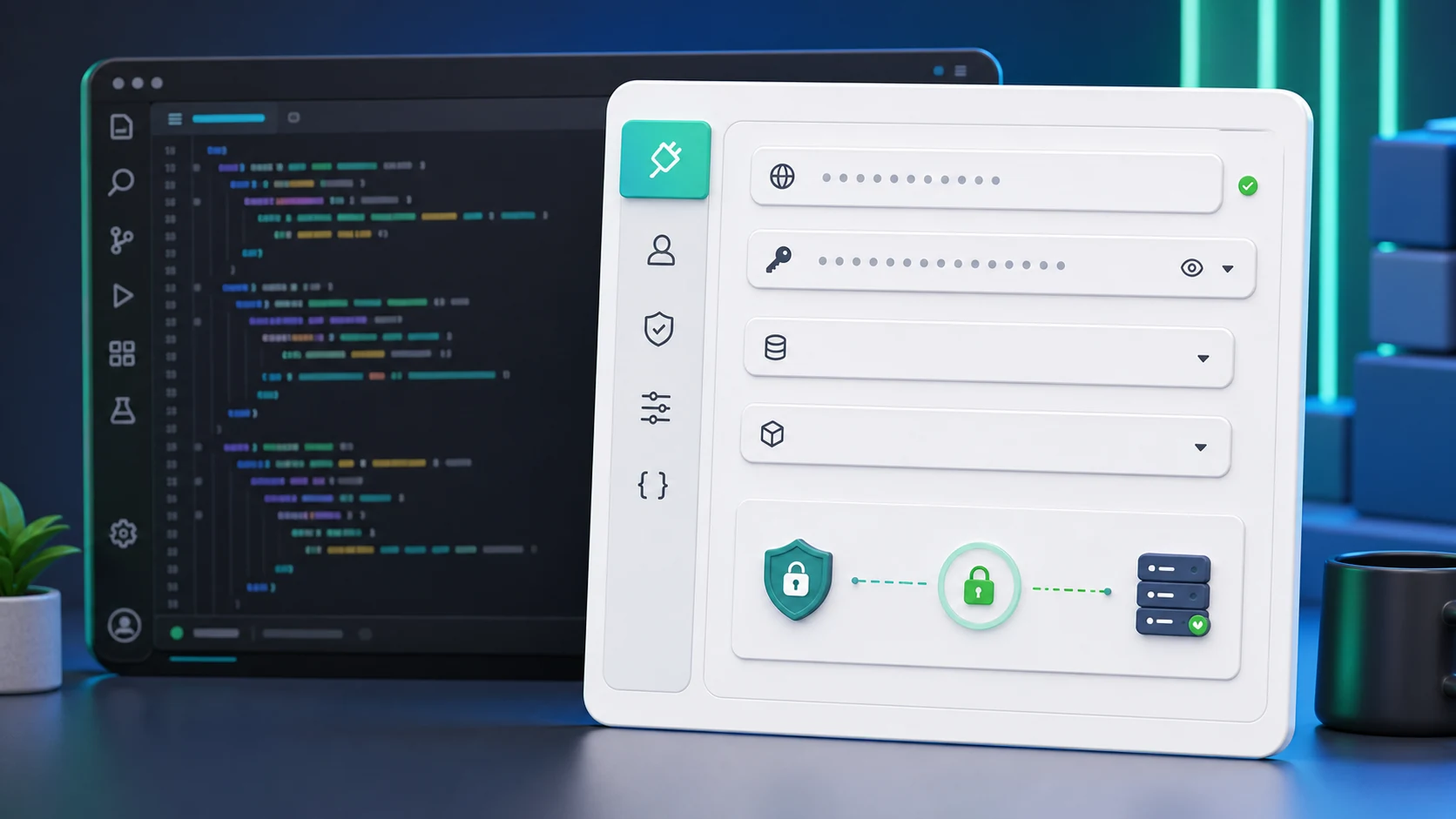
API Provider: OpenAI Compatible
Base URL: https://api.siliconflow.com/v1
API Key: Your API key
Model ID: The model ID shown in the table below
DeepSeek V4 Flash: Popular Low-Cost Option for Cline
DeepSeek V4 Flash is a strong starting point for developers who want a cost-efficient Cline coding model. It is suited to workflows where Cline performs many short actions, such as reading a file, making a small edit, checking an error, and continuing with the next step.
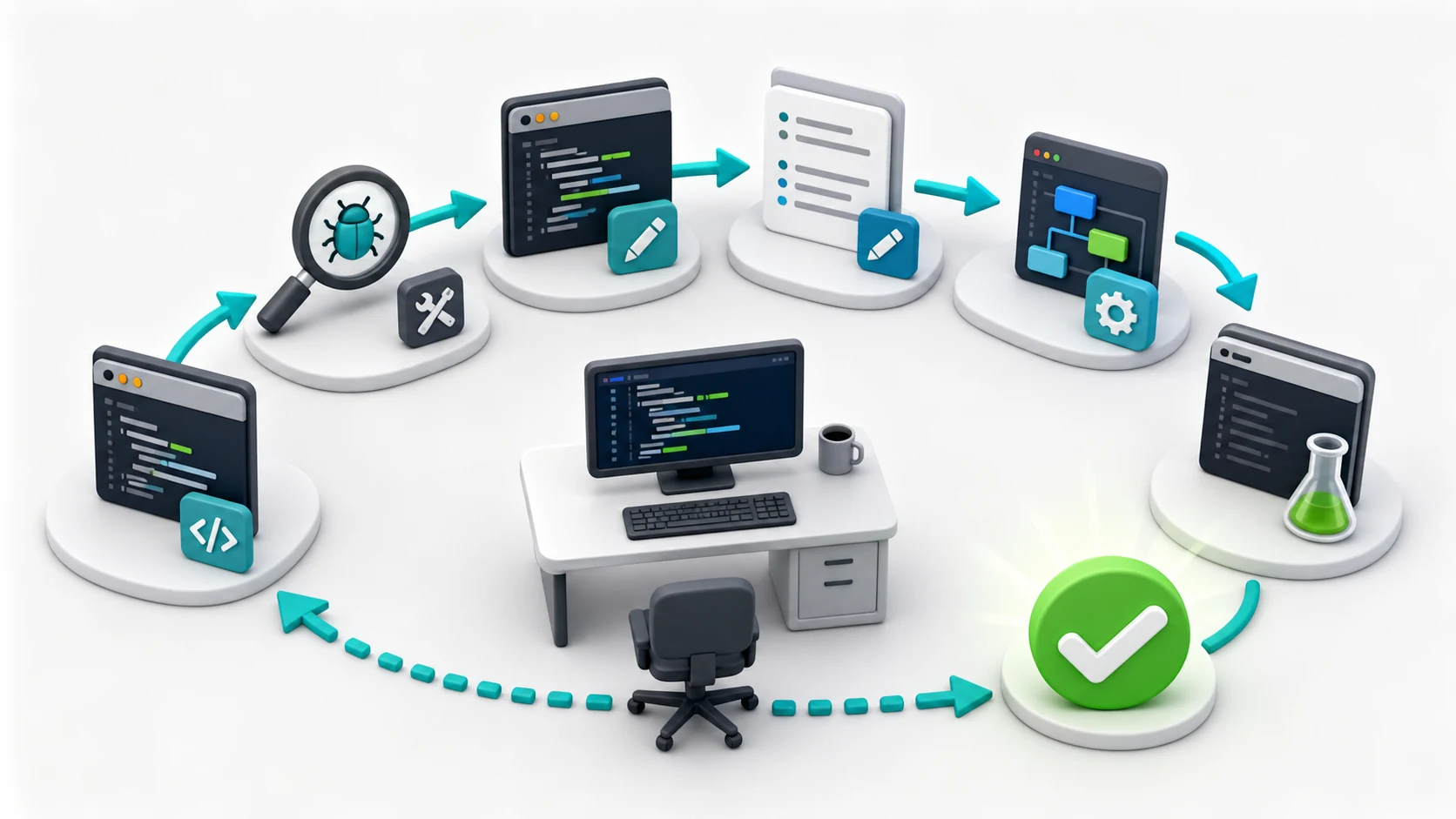
Use DeepSeek V4 Flash for:
Small bug fixes
Single-file edits
Simple refactoring
Documentation updates
Code explanations
Helper function generation
Frequent Plan/Act cycles
The main advantage is cost control. Cline sessions can become token-heavy because the agent may read files, preserve task history, and generate several rounds of output. A lower-cost model helps keep daily coding loops affordable.
DeepSeek V4 Flash is not the right answer for every task. For difficult debugging, larger refactors, or architecture-level decisions, a stronger model may reduce repeated attempts. But for daily Cline use, it is the most practical low-cost option in this comparison.
DeepSeek V4 Pro: Higher-Budget DeepSeek Option
DeepSeek V4 Pro is better suited to Cline tasks that require deeper reasoning and more careful code understanding. It is useful when the task has several constraints, unclear errors, or a higher cost of failure.
Use DeepSeek V4 Pro when Cline needs to:
Diagnose complex bugs
Plan larger refactors
Understand code across multiple files
Compare implementation options
Work through failing tests
Reason about architecture or data flow
Handle tasks where a wrong edit may create more work
The trade-off is cost. DeepSeek V4 Pro has higher input and output pricing than DeepSeek V4 Flash, so it does not need to be used for every small change.
A practical workflow is to start with DeepSeek V4 Flash for routine coding and switch to DeepSeek V4 Pro when the task becomes harder, more ambiguous, or more reasoning-heavy.
GLM 5.2: Flexible-Effort Option for Long-Horizon Cline Tasks
GLM 5.2 is better differentiated by its long-horizon task design and adjustable reasoning effort than by context length alone. DeepSeek V4 Pro also supports a 1M-token context window, so context size does not by itself make GLM 5.2 the stronger option for a large repository.
GLM 5.2 supports multiple reasoning-effort levels, allowing developers to balance deeper task execution against latency and token use. This can be useful in Cline because different steps do not require the same amount of reasoning. A simple file inspection may need a faster response, while a difficult terminal error or multi-step implementation plan may benefit from more reasoning effort.
GLM 5.2 is worth testing for Cline workflows that involve:
Long sequences of connected coding steps
Repeated terminal commands and error inspection
Multi-stage implementation or debugging tasks
Tool-heavy workflows that must preserve earlier decisions
Tasks where developers want more control over reasoning depth and response time
Z.ai positions GLM 5.2 as a model for long-horizon work rather than only long-context retrieval. Its published evaluation also reports strong results on terminal-based and agentic benchmarks. These results do not establish that GLM 5.2 is stronger than DeepSeek V4 Pro across coding tasks, but they support testing it for sustained, tool-driven Cline workflows.
For difficult coding and broad reasoning performance, DeepSeek V4 Pro remains a strong option. GLM 5.2 becomes more distinctive when a Cline task combines long execution chains, terminal interaction, persistent project state, and adjustable reasoning effort.
Model ID, Context Window, and Pricing on SiliconFlow
The table below uses pay-per-token API rates at the time of writing. Prices are shown per 1 million tokens.
Model | Model ID | Context Window | Input / 1M Tokens | Cached Input / 1M Tokens | Output / 1M Tokens |
|---|---|---|---|---|---|
DeepSeek V4 Flash | deepseek-ai/DeepSeek-V4-Flash | 1049K | $0.13 | $0.028 | $0.28 |
DeepSeek V4 Pro | deepseek-ai/DeepSeek-V4-Pro | 1049K | $1.60 | $0.135 | $3.135 |
GLM 5.2 | zai-org/GLM-5.2 | 1049K | $1.40 | $0.26 | $4.40 |
For Cline, cached input can matter because coding sessions often reuse project context, instructions, and previous task history. The more reusable context a session has, the more important cached input pricing becomes.
Actual cost depends on context length, cache behavior, output length, file-reading frequency, and how many steps Cline takes to complete the task.
Estimated Cost for a Cline Coding Session
To make the cost difference easier to understand, use a sample Cline coding session.
Assumption:
200K input tokens
20K output tokens
No cached input
Model | Estimated Cost |
|---|---|
DeepSeek V4 Flash | $0.0316 |
DeepSeek V4 Pro | $0.3827 |
GLM 5.2 | $0.3680 |
Now consider a session where part of the input is cached.
Assumption:
60K fresh input tokens
140K cached input tokens
20K output tokens
Model | Estimated Cost With Cached Input |
|---|---|
DeepSeek V4 Flash | $0.0173 |
DeepSeek V4 Pro | $0.1776 |
GLM 5.2 | $0.2084 |
This shows why Cline cost should not be judged by output price alone. A coding agent often spends much of its budget on input tokens because it needs to read files, maintain task history, and preserve instructions.
For high-frequency coding loops, DeepSeek V4 Flash offers the lowest estimated cost in this comparison. For harder tasks, DeepSeek V4 Pro or GLM 5.2 may justify the higher cost if they reduce failed attempts, repeated prompts, or context loss.
Which Model Fits Which Cline Workflow?
The best API model for Cline depends on the task.
Cline Workflow | Recommended Model | Why |
|---|---|---|
Small bug fixes | DeepSeek V4 Flash | Low cost and suitable for short coding loops |
Single-file edits | DeepSeek V4 Flash | Efficient for frequent changes |
Documentation updates | DeepSeek V4 Flash | Enough for low-risk writing and code explanation tasks |
Simple refactoring | DeepSeek V4 Flash | Practical when the scope is clear |
Multi-file debugging | DeepSeek V4 Pro | Better fit for reasoning-heavy code analysis |
Architecture planning | DeepSeek V4 Pro | Useful when the task needs deeper judgment |
Larger repository understanding | GLM 5.2 | Long context helps preserve more project state |
Long coding sessions | GLM 5.2 or DeepSeek V4 Pro | Choose based on whether the task needs more context or stronger reasoning |
Cost-sensitive daily use | DeepSeek V4 Flash | Lowest estimated cost in the sample session |
A practical setup is to use more than one Cline coding model:
Use DeepSeek V4 Flash for daily, low-risk, high-frequency coding.
Use DeepSeek V4 Pro when the task is harder, more ambiguous, or more reasoning-heavy.
Use GLM 5.2 when the task needs more context across a larger codebase.
Common Questions About Models for Cline: DeepSeek V4 Flash, DeepSeek V4 Pro, and GLM 5.2 Cost Compared
Q1. What Is the Best API Model for Cline?
The best API model for Cline depends on the workflow. DeepSeek V4 Flash is a practical low-cost option for daily coding loops. DeepSeek V4 Pro is better for harder reasoning and debugging tasks. GLM 5.2 is useful when a larger coding context matters.
Q2. What Is the Best Model for Cline If I Care Most About Cost?
DeepSeek V4 Flash is the best starting point in this comparison if cost is the main concern. It has the lowest estimated cost in the sample Cline session and works well for frequent small edits, simple debugging, and routine coding tasks.
Q3. What Is the Best Cline API Model for Larger Codebases?
GLM 5.2 is a strong option for larger codebases because it supports a long context window. This helps Cline keep more files, instructions, logs, and previous steps in view during longer coding sessions.
Q4. Is DeepSeek V4 Pro Better Than DeepSeek V4 Flash for Cline?
DeepSeek V4 Pro is better for complex tasks that need deeper reasoning, multi-file planning, or careful debugging. DeepSeek V4 Flash is better when the main goal is low-cost, frequent coding iteration.
Q5. Can I Use These Models With Cline Through an OpenAI-Compatible API?
Yes. In Cline, select OpenAI Compatible as the API provider, enter the API base URL, add your API key, and use the target model ID.